6.7 Standby and Boost Mode
NOTE
This section is not applicable for the MT-02-02 controller.
There are two options for switching to Standby or Boost mode.
1. You can set each zone individually by using the module touchscreens.
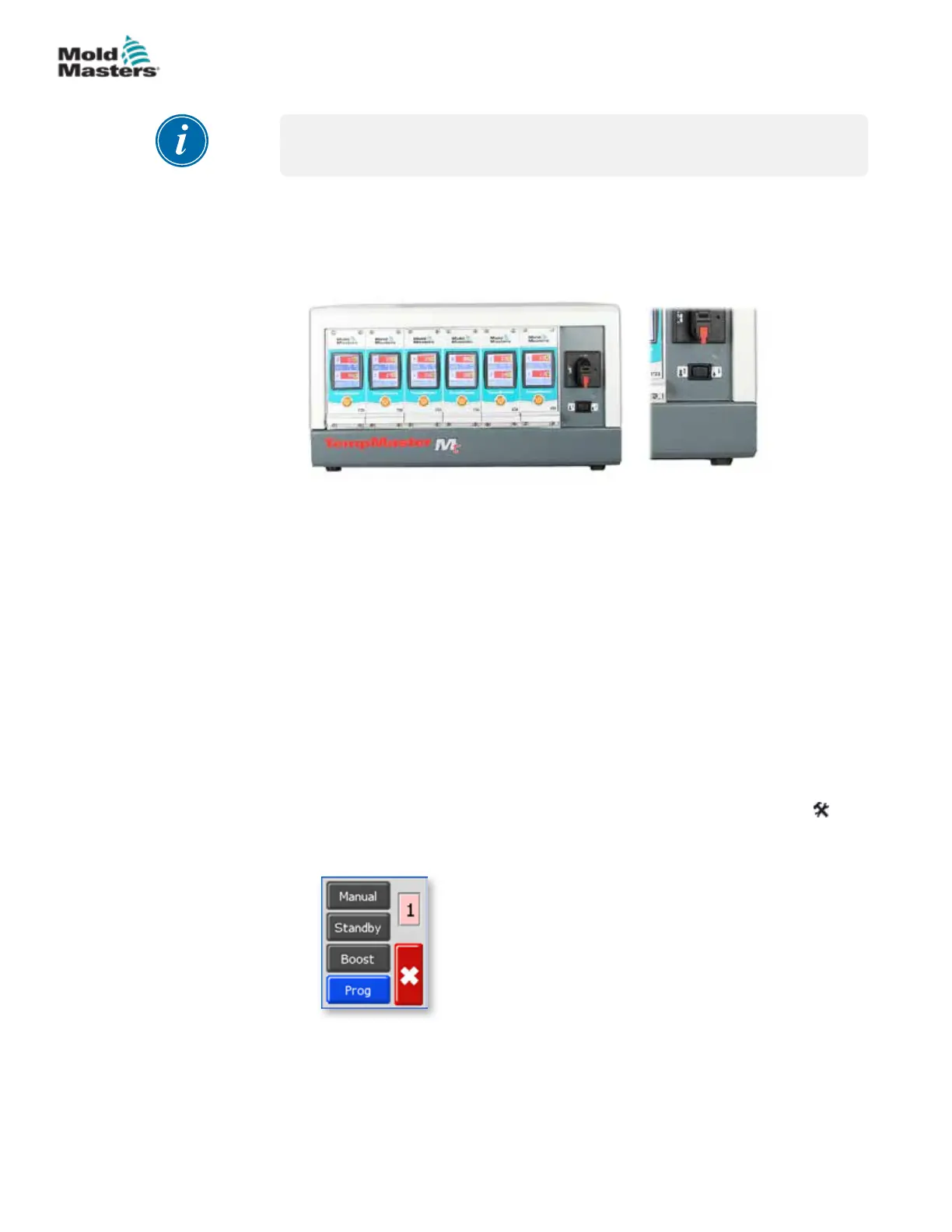
2. Alternatively you can switch all zones together by using the cabinet Boost/
Normal/Standby selector shown below.
6.7.1 Standby – Whole Cabinet
Switch the Boost/Normal/Standby selector towards the right and select
Standby. All zones are set down by the standby amount and remain at that
lower temperature until the switch is restored to the center o position.
6.7.2 Boost – Whole Cabinet
Switch the Boost/Normal/Standby selector towards the left and select Boost.
All zones are raised by the Boost amount for a set period of two minutes.
Boost function will stop after two minutes, even if the switch stays in the
Boost position.
6.7.3 No Standby or Boost Option
Note that if the factory setting has been set to Manual Disable, then the
Standby/Boost rocker switch will have no eect on controller temperature. If
you suspect it may have been set, choose any zone and then choose [ ] to
obtain the Function menu. If the three buttons are greyed out, as shown in
the picture below, then Standby and Boost are not available.
6-7
© 2020 Mold-Masters (2007) Limited. All Rights Reserved.
OPERATION
MT Controller User Manual



 To Next Page