5.9 Set Ground Fault Detection
The default setting is “On” where the card will start to decrease power if it
detects more than 20 mA leakage current. If it detects an earth leakage of 40
mA or more then it reduces output to zero.
If the option is set to “O” then the zone will continue to deliver normal power.
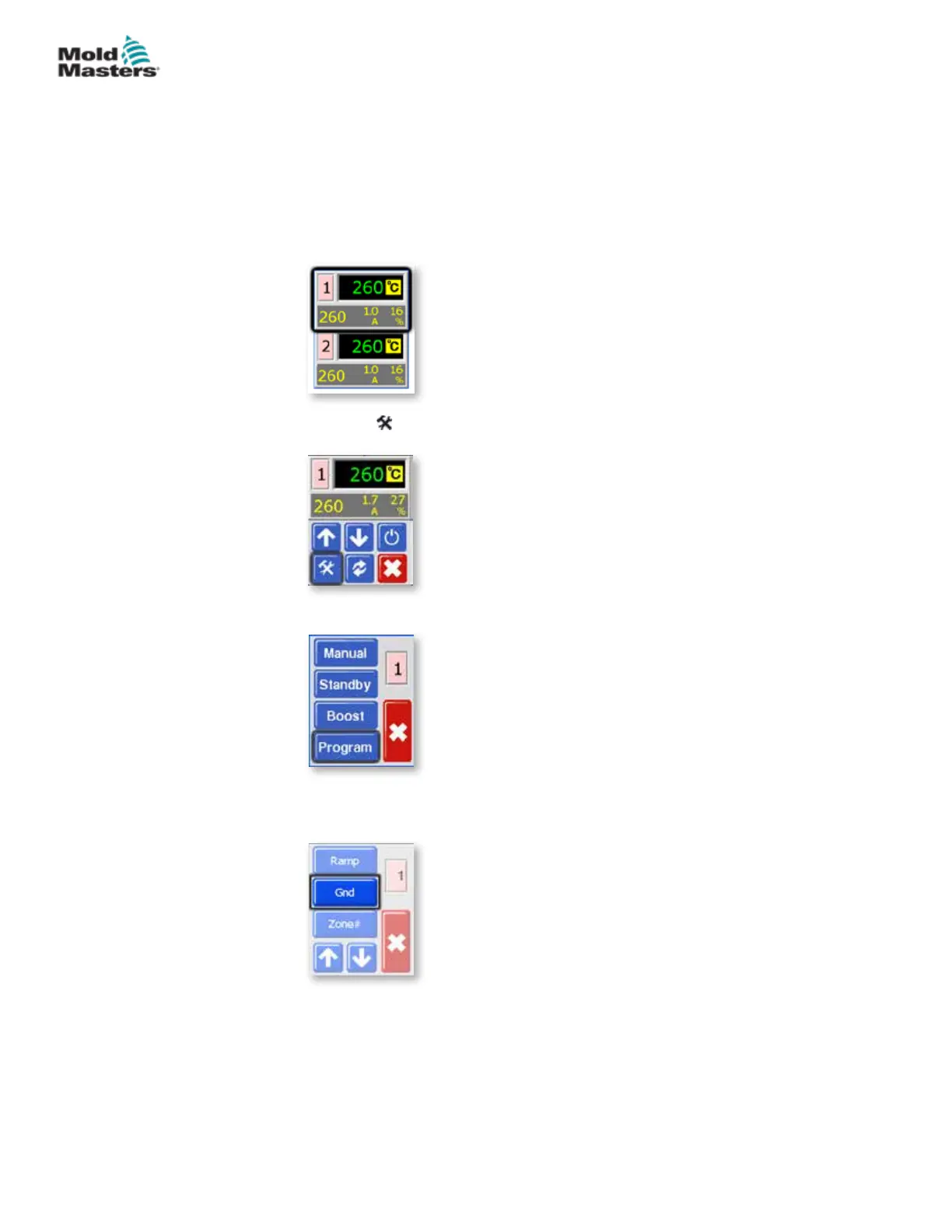
1. From the Temperature Display screen, choose either zone to obtain the
initial menu.
2. Choose [ ] to obtain the Function menu.
3. Choose [Program] to obtain the Program menu.
4. Choose [] or [] to nd the page containing the Ground selection
option.
5-17
© 2020 Mold-Masters (2007) Limited. All Rights Reserved.
SETUP
MT Controller User Manual



 To Next Page