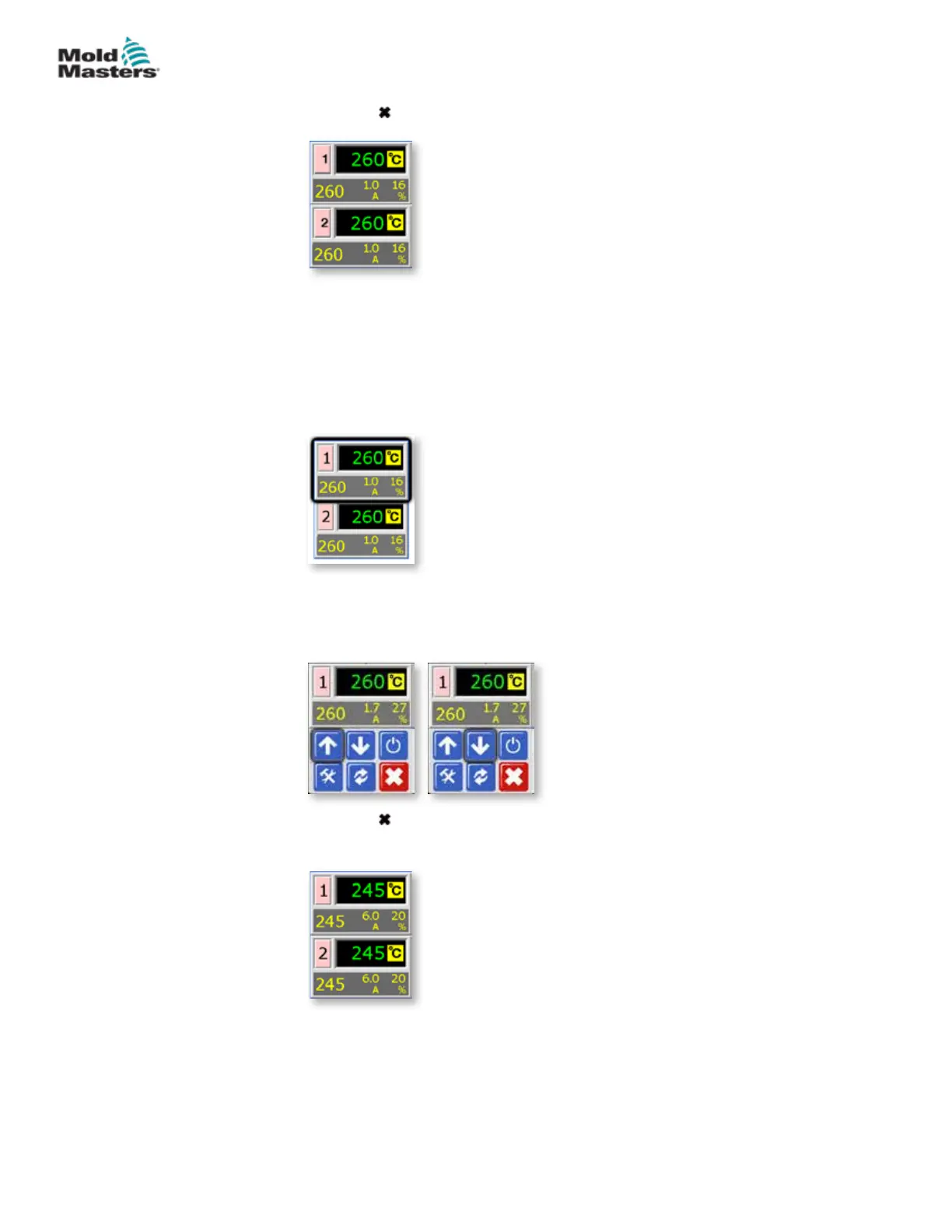
6. Choose [ ] twice to return to the main display.
5.15 Set the Required Zone Temperatures
Once all user options have been set, the normal operating temperatures need
to be set.
1. From the main display choose the zone for which the temperature needs
to be set.
2. Use [] or [] to adjust the set temperature.
You can hold the [
] or [] buttons down to raise or lower value by large
amounts.
3. Choose [ ] to return to the main display.
Repeat for other zones.
Language - continued
5-28
© 2020 Mold-Masters (2007) Limited. All Rights Reserved.
SETUP
MT Controller User Manual



 To Next Page