5.2 Set Zone Numbering
NOTE
This section is not applicable for the MT-02-02 controller.
For MT controllers that have two or more modules, the user is able to number
the higher zones in a logical sequence.
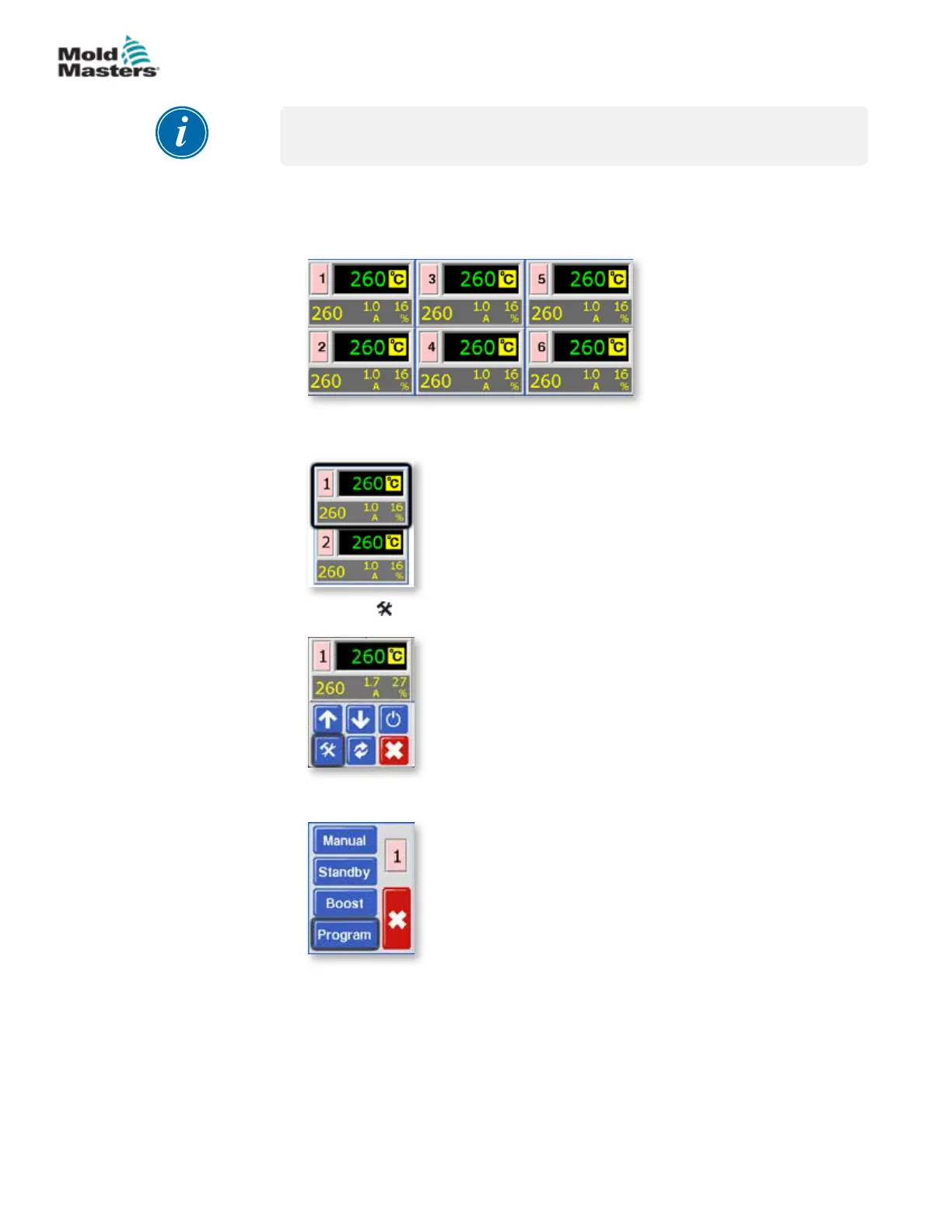
See below for an example of an MT-06-06 system:
1. From the Temperature Display screen, choose either zone to obtain the
initial menu.
2. Choose [ ] to obtain the Function menu.
3. Choose [Program] to obtain the Program menu.
5-3
© 2020 Mold-Masters (2007) Limited. All Rights Reserved.
SETUP
MT Controller User Manual



 To Next Page