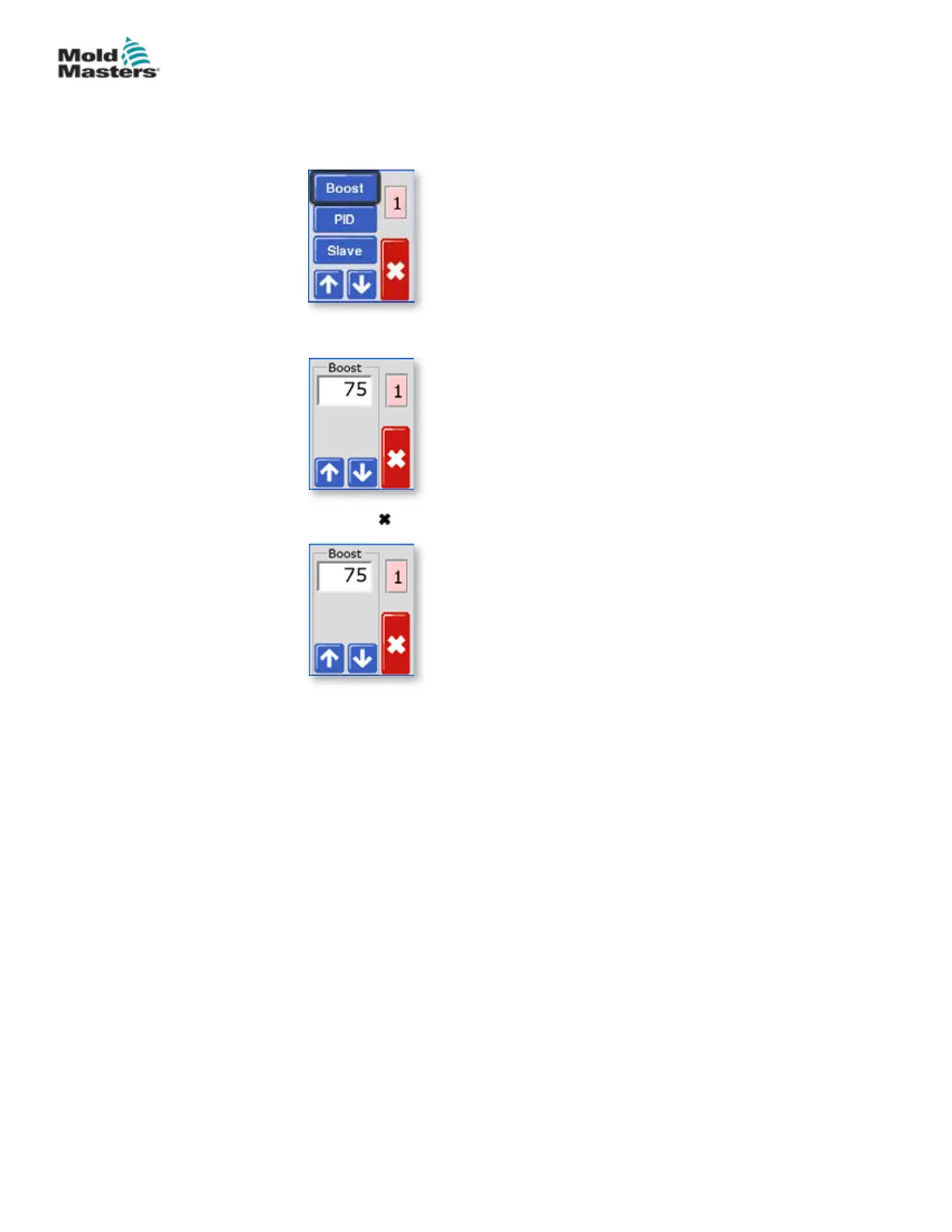
4. Choose [] or [] to nd the page containing a Boost option. Choose
[Boost] to open the value setting option.
5. Use [] or [] to set the desired Boost temperature.
6. Choose [ ] twice to return to the main display.
Set Boost Value - Continued
5-12
© 2020 Mold-Masters (2007) Limited. All Rights Reserved.
SETUP
MT Controller User Manual



 To Next Page