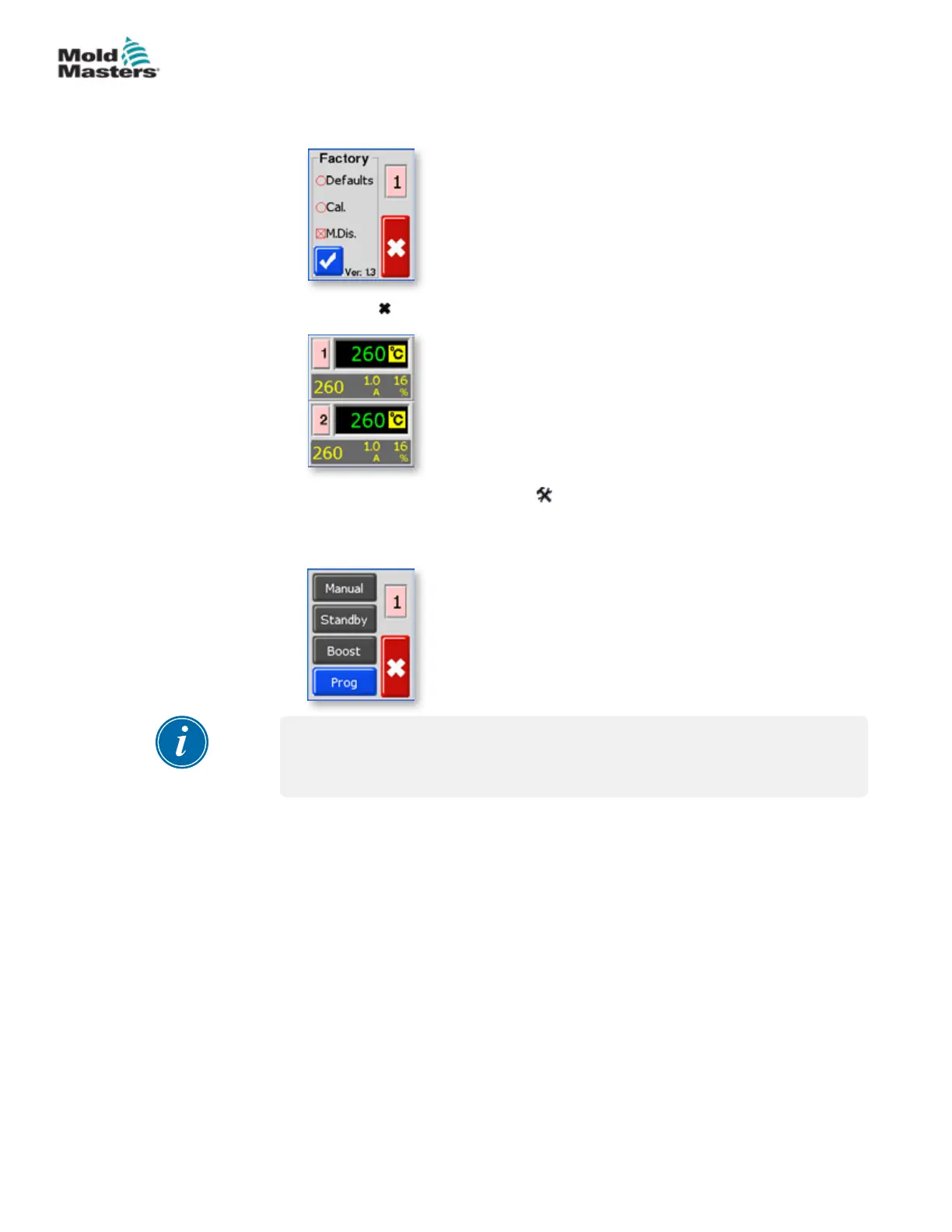
5. Check the M.Dis box.
6. Choose [ ] to return to the main display.
7. To check this setting, choose [ ] and [Program] to see these user
function buttons greyed out and no longer functional.
8. To reset return to the Factory box and uncheck M.Dis.
NOTE
Selecting this option will inhibit the front panel rocker switch so that Standby
or Boost selection will also be ineective.
Restrict Access to Manual, Standby or Boost - continued
5-24
© 2020 Mold-Masters (2007) Limited. All Rights Reserved.
SETUP
MT Controller User Manual



 To Next Page