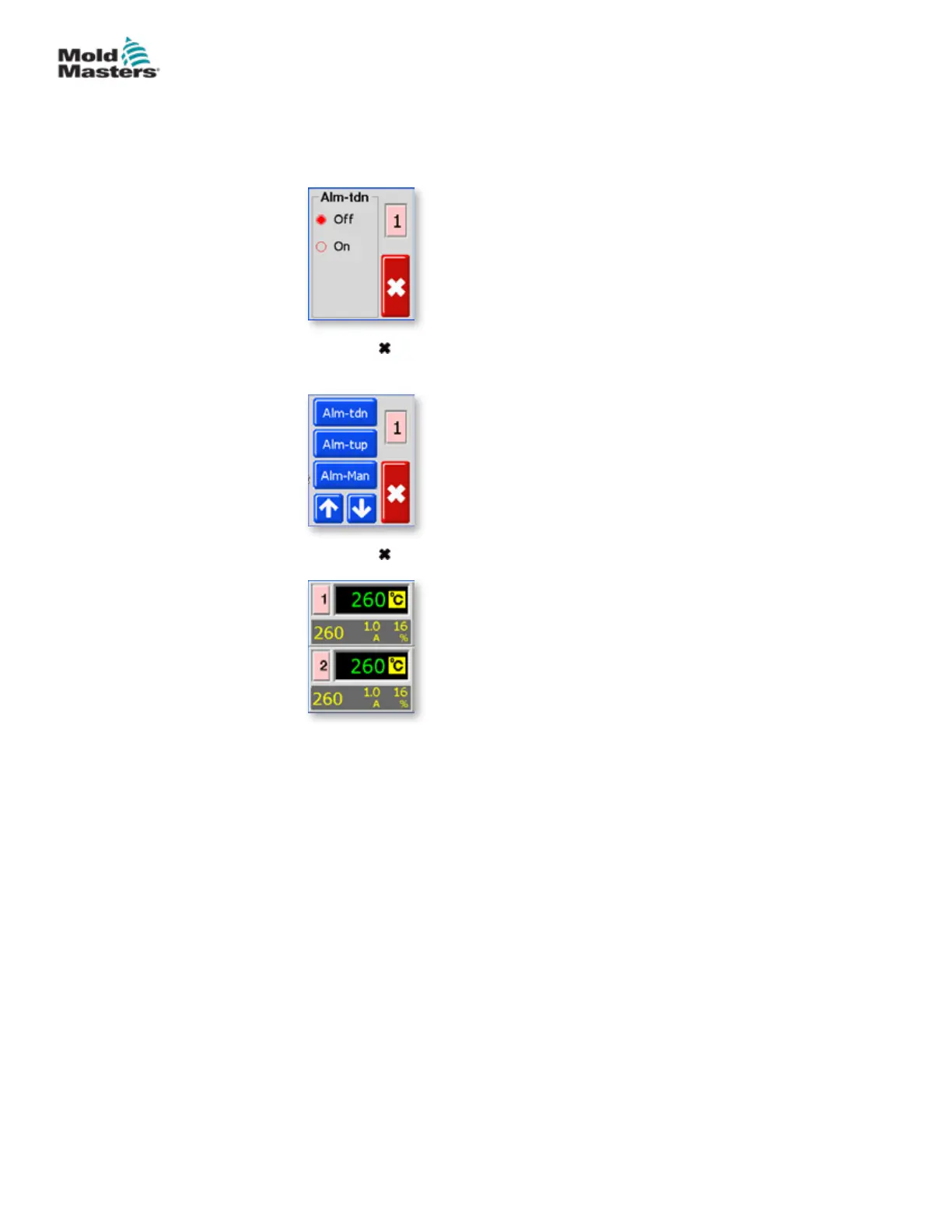
5. Choose any of the three options ([Alm-tdn] shown here) to open the page
and set it to On.
6. Choose [ ] once to return to the Alarm selection in order to select more
Alarm options.
7. Choose [ ] a second time to return to the main display.
Extend Alarms for Manual, Standby or Boost Operation -
continued
5-26
© 2020 Mold-Masters (2007) Limited. All Rights Reserved.
SETUP
MT Controller User Manual



 To Next Page