User’s Guide ValueJet 1304
Periodical maintenance
102 AP-75780 - Revision 1.3
5.1.5 Cleaning the cleaning wiper
This sub-section describes how to clean the cleaning wiper.
Cleaning time
Once a week, or when blurs or lacking parts appear on printed media after Head cleaning.
Cleaning method
Follow the procedure below to clean the cleaning wiper.
Step 1: If the printer is switched ON, make sure that:
Printing or other operations are not in progress.
The operation panel display is Normal.
Step 2: Display the CR Maintenance menu.
Press Menu.
"Menu 1: Setup>" is displayed.
The operation panel shifts to the Setup menu display.
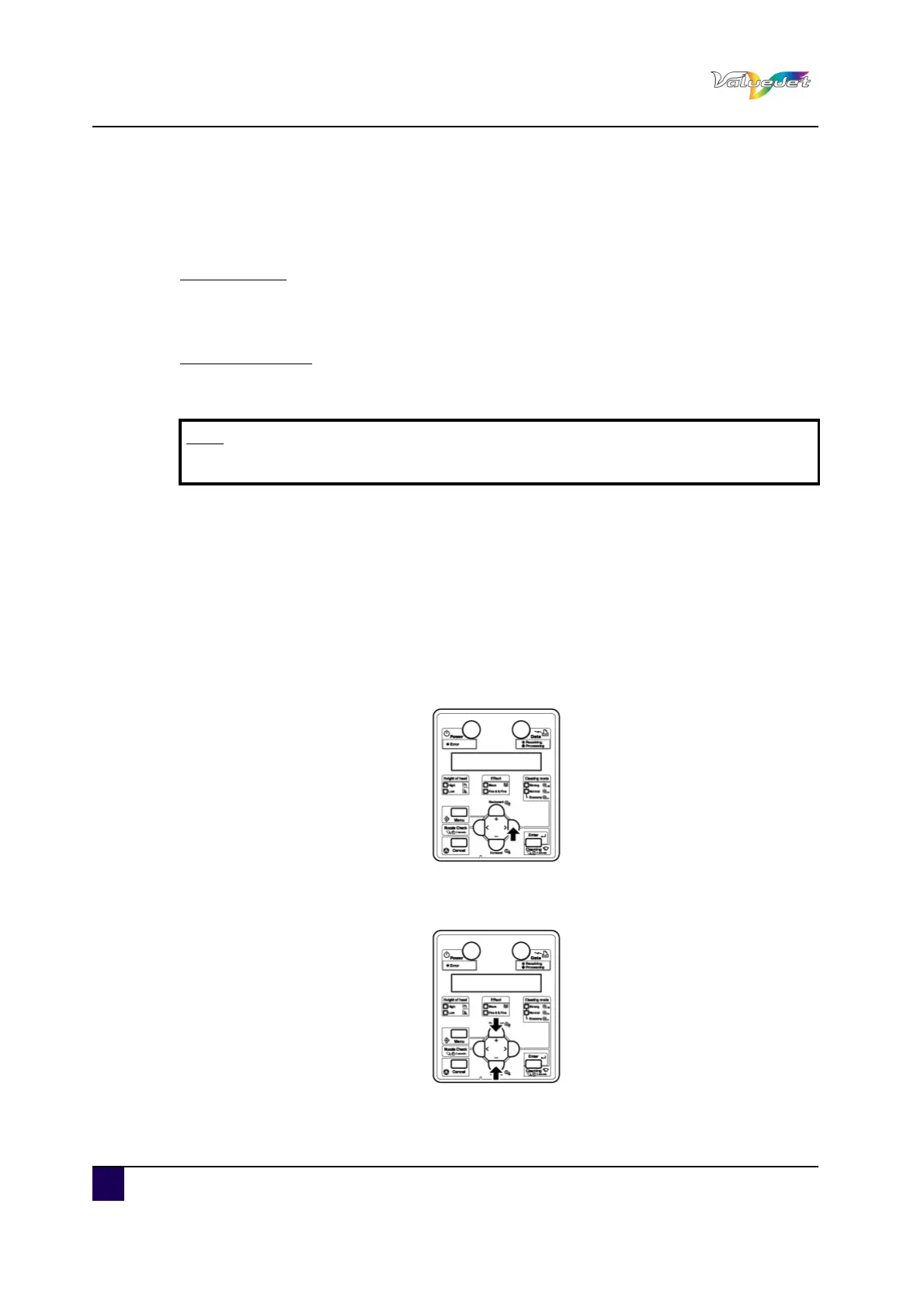
Press >.
"Set1: MediaType" is displayed.
Press + or – to select "Set20: CR Maintenance".
Note
Use the poly-knit wiper to clean the cleaning wiper.















 To Next Page