User’s Guide ValueJet 1304
Handling the printer
AP-75780 - Revision 1.3 79
4
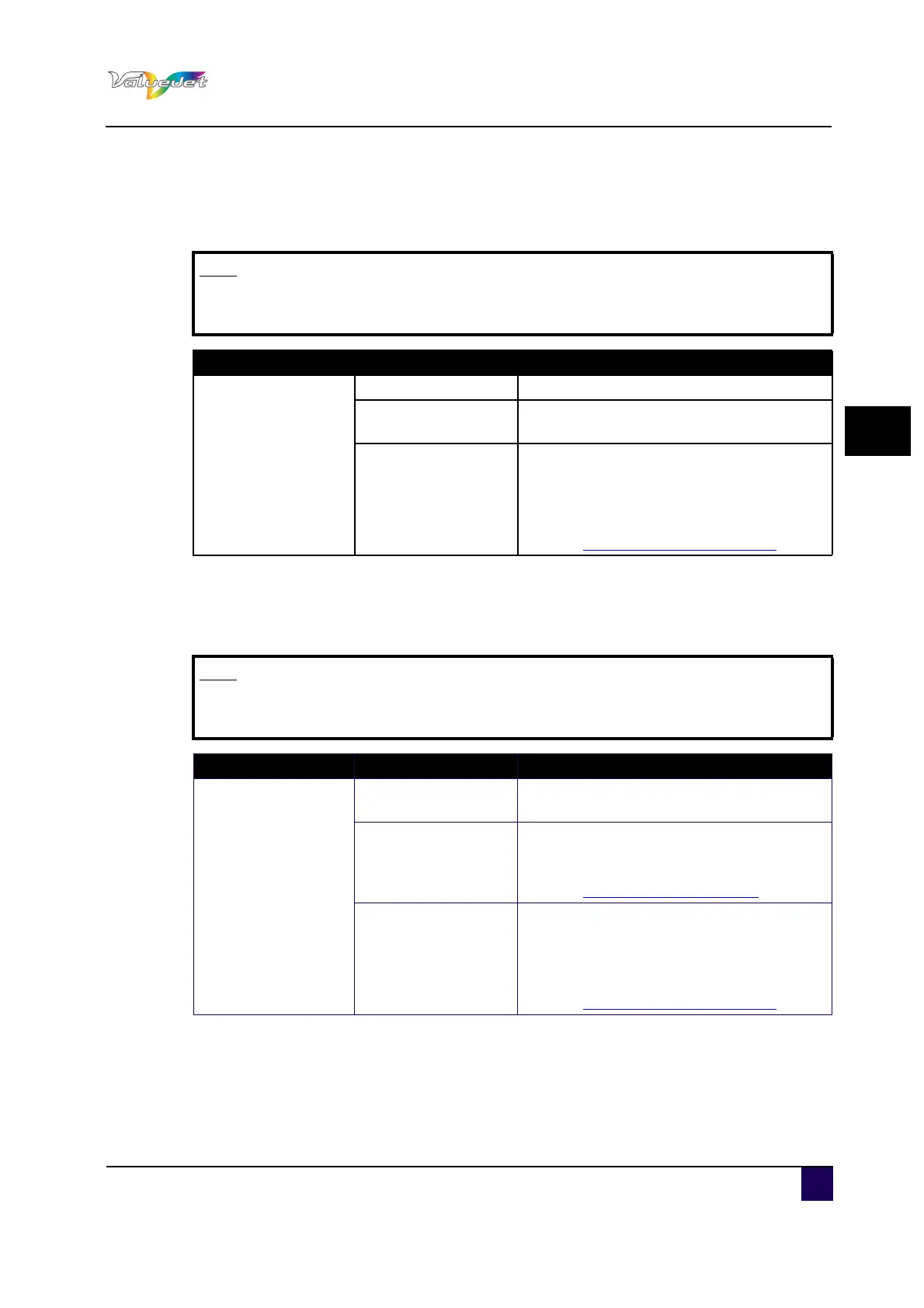
4.6.10 Prev. Stick menu
Set up to prevent media from sticking when printing starts.
4.6.11 Media cut menu
Sets the media cutting operation after finishing printing.
Note
When the winding unit menu is set to “Type 1” the setting for the Prev. Stick
menu is disabled.
Setup item Setting Description
Prev. Stick
OFF Sticking prevention is not performed
<ON>
The sticking prevention is performed. Feed
the media back and forth to prevent sticking.
---
ENTER: Saves the settings and shifts to
the previous hierarchy.
cancel: cancels the settings and shifts to
the previous hierarchy.
Refer to:Panel Setup Menu on page62
Note
When the winding unit menu is set to “Type 1” the setting for the Media cut
menu is set to “OFF”.
Setup item Setting Description
MediaCut
OFF
The media feed is not performed after
printing
Manual
Feed media to the media cut position after
printing. Use a regular razor blade to cut the
media.
Refer to:Cutting media on page91
---
ENTER: Saves the settings and shifts to
the previous hierarchy.
cancel: cancels the settings and shifts to
the previous hierarchy.
Refer to:Panel Setup Menu on page62















 To Next Page