User’s Guide ValueJet 1304
Handling the printer
52 AP-75780 - Revision 1.3
4.3.2 Performing a Testprint
Step 1: Verify that the printer has been switched ON and that media more than A3 size has
been loaded.
Step 2: Verify that the printer is in Normal mode.
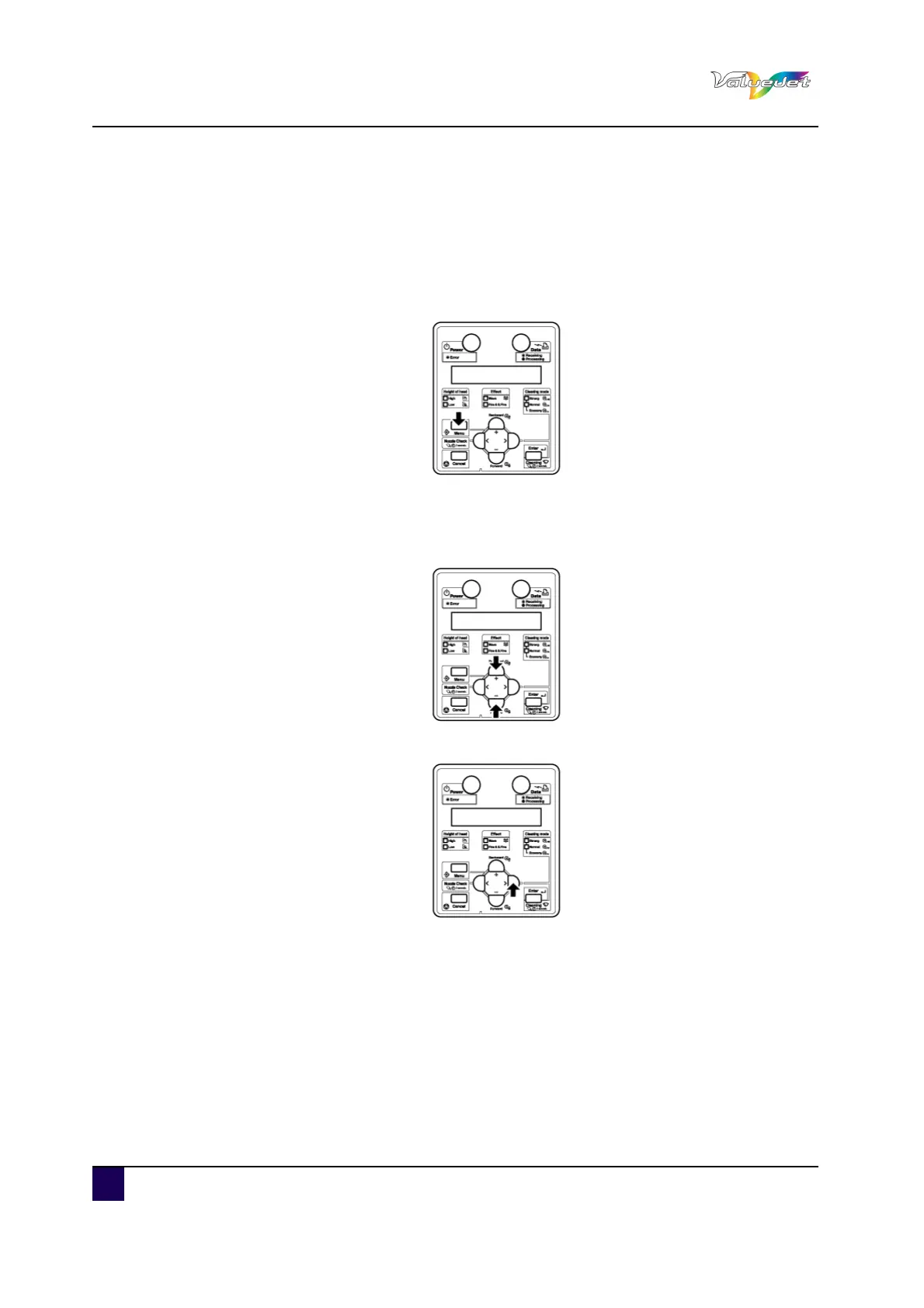
Press menu.
“Menu 1: Setup>” is displayed.
The operation panel shifts to the Setup menu display.
Press + or - to select “Menu 2: TestPrint”.
Press >.
“Test1: NozzleCheck” is displayed.
The display shifts to the Test print menu.















 To Next Page