User’s Guide ValueJet 1304
Handling the printer
74 AP-75780 - Revision 1.3
4.6.3 Flushing menu
Sets up the flushing operation while printing.
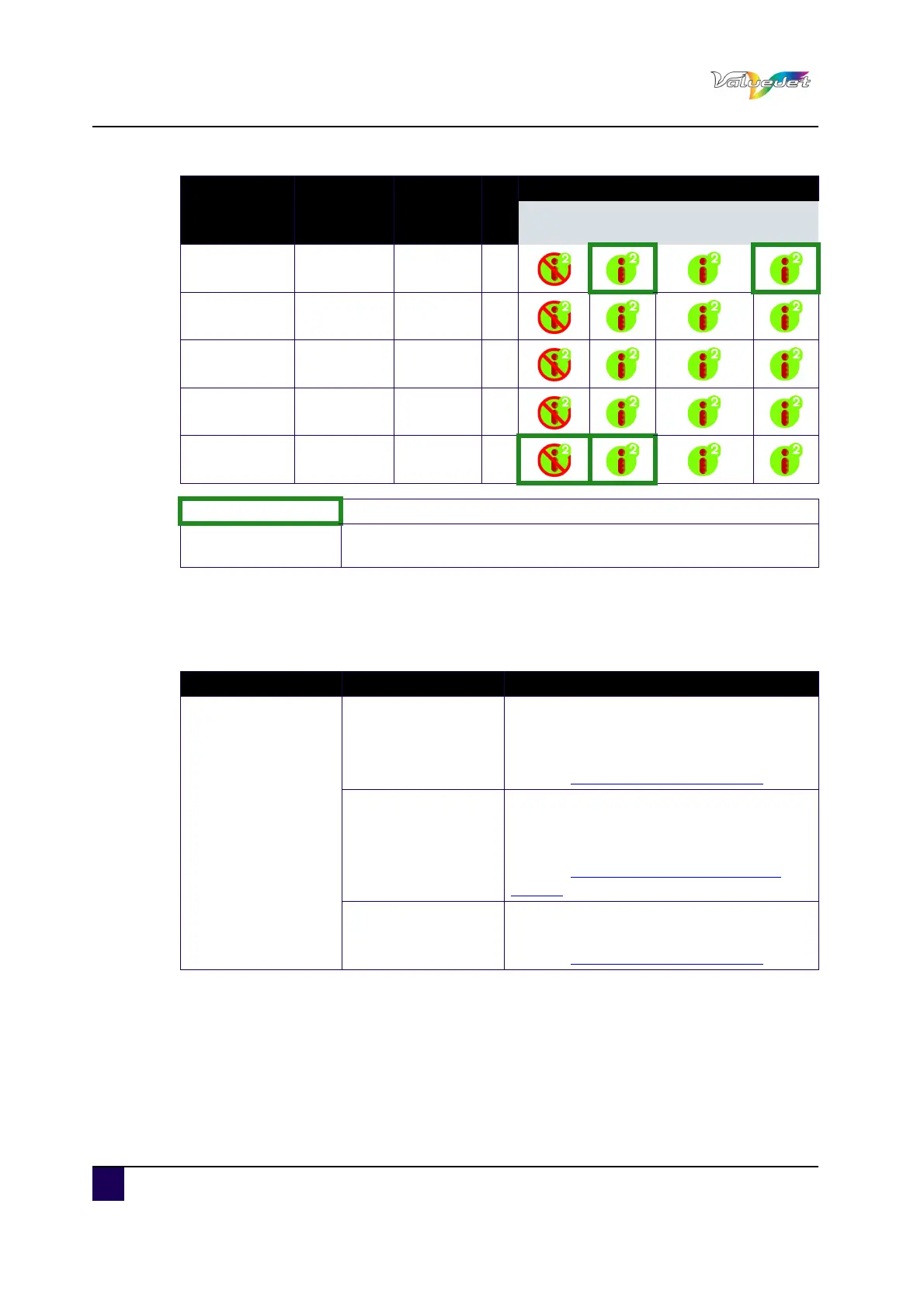
Graphics 3(*) 720x720 4 bi
Banner 1 720x720 3 uni
Banner 2 720x720 3 bi
Banner 3 720x720 2 uni
Banner 4 720x720 2 bi
Recommended modes
(*)
Print mode only selectable via RIP software and not selectable from
the control panel of the printer
Print mode Resolution # passes dir i² availability
None Wave Fine&Wave
S.fine&
Wave
Setup item Setting Description
Flushing
Origin
Flushing is done in the spitting box.
ENTER: Saves the settings and shifts to
the previous hierarchy.
Refer to:Panel Setup Menu on page62
<On Media>
Flushing is done on the page margins.
ENTER: Saves the settings and shifts to
the previous hierarchy.
Refer to:Flushing return count menu on
page75
---
CANCEL: cancels the settings and shifts to
the previous hierarchy.
Refer to:Panel Setup Menu on page62















 To Next Page