User’s Guide ValueJet 1304
Installing the unit
AP-75780 - Revision 1.3 27
3
3.2 Switching the power ON/OFF
3.2.1 Switching the power ON
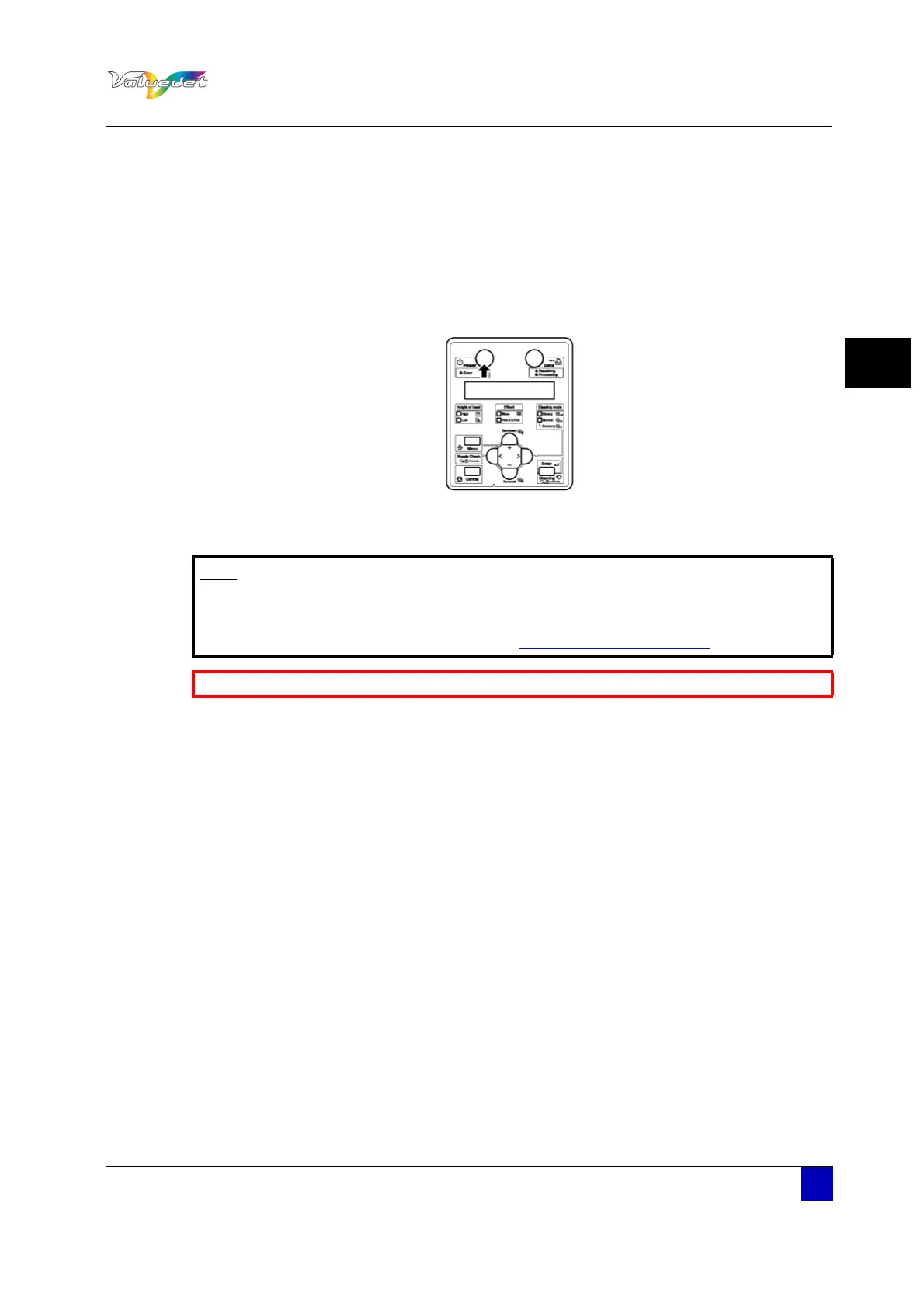
Step 1: Press Power to switch ON the printer.
The Power lamp lights up in green.
The printer starts initial operation.
When the initial operation is complete, the printer enters Normal.
Note
If there is a problem during the initial operation, a message is displayed and
the printer may stop operating.
In case the operation stops, refer to “Troubleshooting on page107
”
Be sure to read and understand the safety warnings before handling the printer.















 To Next Page