User’s Guide ValueJet 1304
Handling the printer
90 AP-75780 - Revision 1.3
4.7 Operating from the operation panel
4.7.1 Feeding media
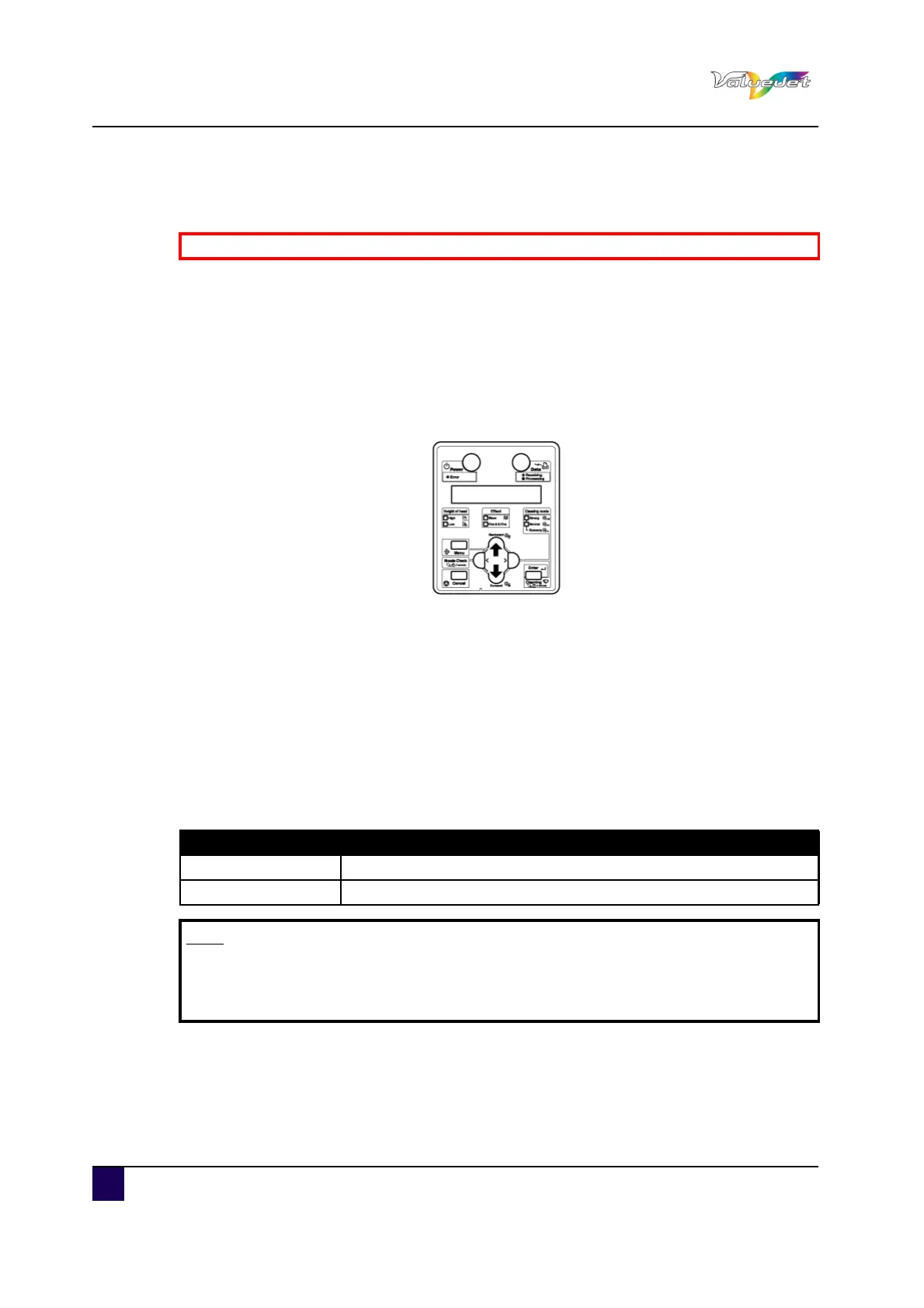
You can feed roll media at any position you want. Follow the procedure below to feed media.
Step 1: Confirm that the operation panel is Normal.
Step 2: Confirm that the media loading lever is returned to the front.
Step 3: Press Forward or Backward.
Media is fed forward or backward.
Step 4: Release Backward or Forward after feeding media to the desired position.
4.7.2 Stop printing operation
If you want to stop printing for some reasons, operate as follows.
Step 1: Stop sending printing data from the computer to the printer.
Step 2: Press Cancel.
The printer operates as follows
Be sure to read and understand the safety warnings before handling the printer.
Printer status Operation with the [CANCEL] key pressed
During printing Terminates printing and deletes the remaining data in the printer
Receiving/Converting Deletes the received/analysed data and the subsequent data.
Note
If a large amount of data is saved on the printer, the operation panel may not
return to normal by a single [CANCEL] key operation. In such cases, wait for a
few seconds and press CANCEL again.















 To Next Page