User’s Guide ValueJet 1304
Handling the printer
AP-75780 - Revision 1.3 45
4
4.2.3 Head height adjustment
When used?
Use the head height adjustment feature to prevent the print head from touching the media,
when printing at high speeds or when using strongly curved media.
Procedure
Step 1: Open the front cover.
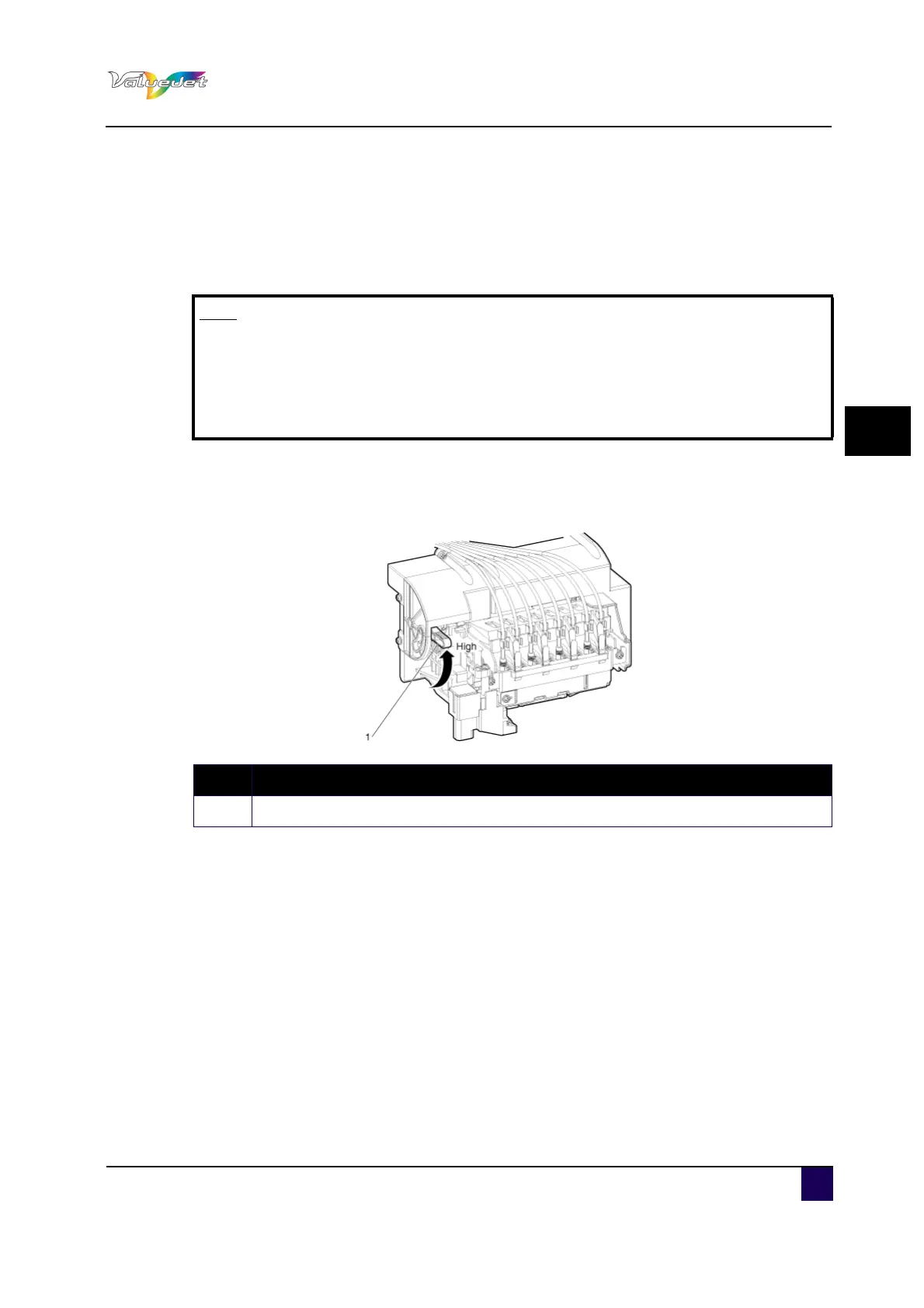
Step 2: Change the head height by moving the head height adjustment lever (orange).
The High lamp lights up in green.
Step 3: Close the front cover.
Note
If the head height adjustment lever is raised, high print quality will not be
guaranteed.
Do not open the front cover nor change the head height during printing. If the
head height is changed, the head alignment will be changed and high print
quality will not be guaranteed.
N° Description
1 Head height adjustment lever















 To Next Page