User’s Guide ValueJet 1304
Handling the printer
44 AP-75780 - Revision 1.3
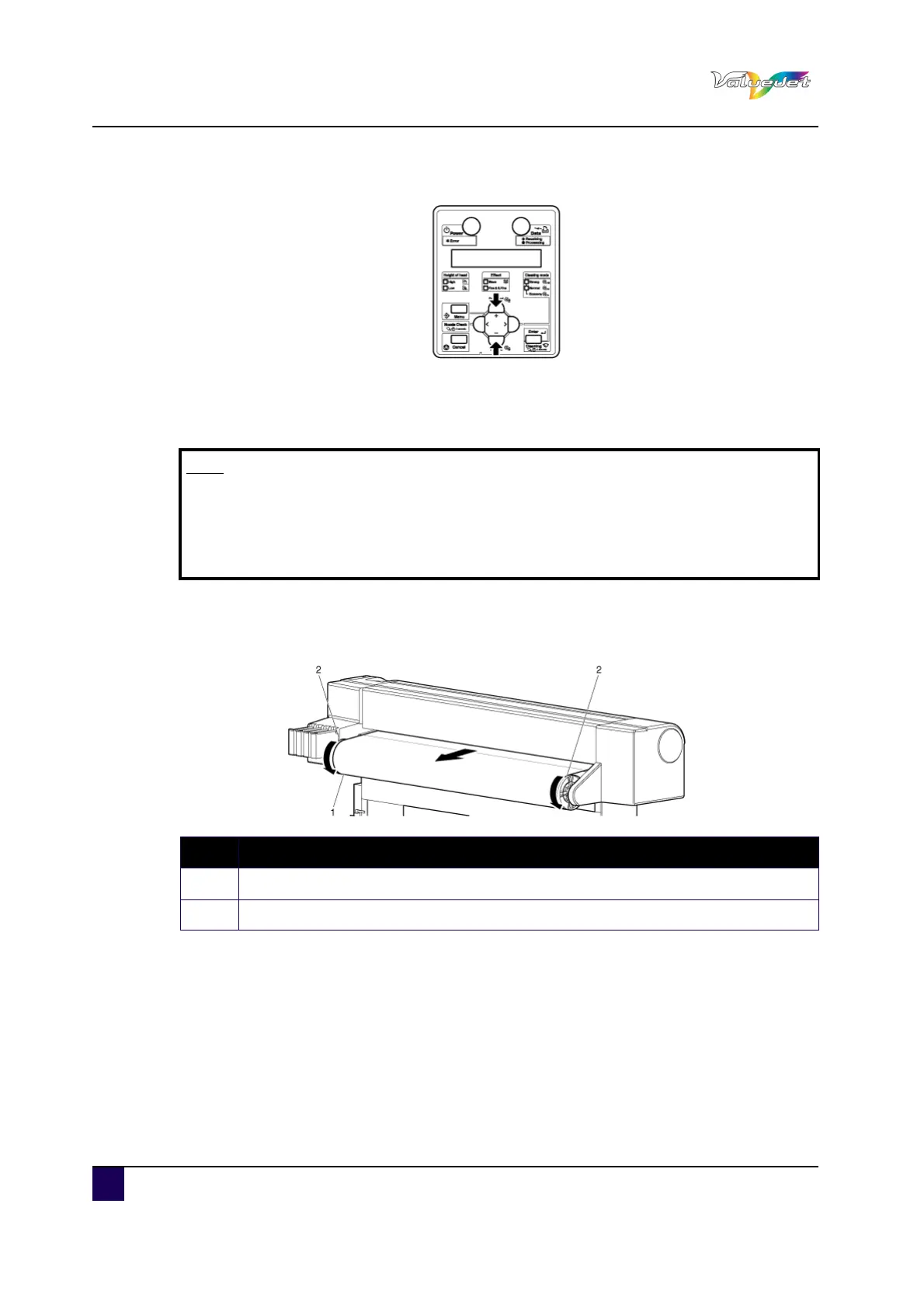
Step 8: Press + or – to select the type of the loaded media.
Step 9: Press Enter.
The media type is set.
“Media Initial” is displayed and media initial operation starts.
After media initial operation is complete, "Ready to Print" is displayed and the
display shifts to Normal.
Step 10: Wind the roll media around the scroller to remove slack.
This completes media loading.
Note
If the following operations are performed in the media type setup menu, the
printer starts media initial operation without specifying a media type.
Pressing Cancel.
No keys are pressed for 10 seconds.
N° Description
1 Roll media
2 Scroller















 To Next Page