User’s Guide ValueJet 1304
Handling the printer
AP-75780 - Revision 1.3 43
4
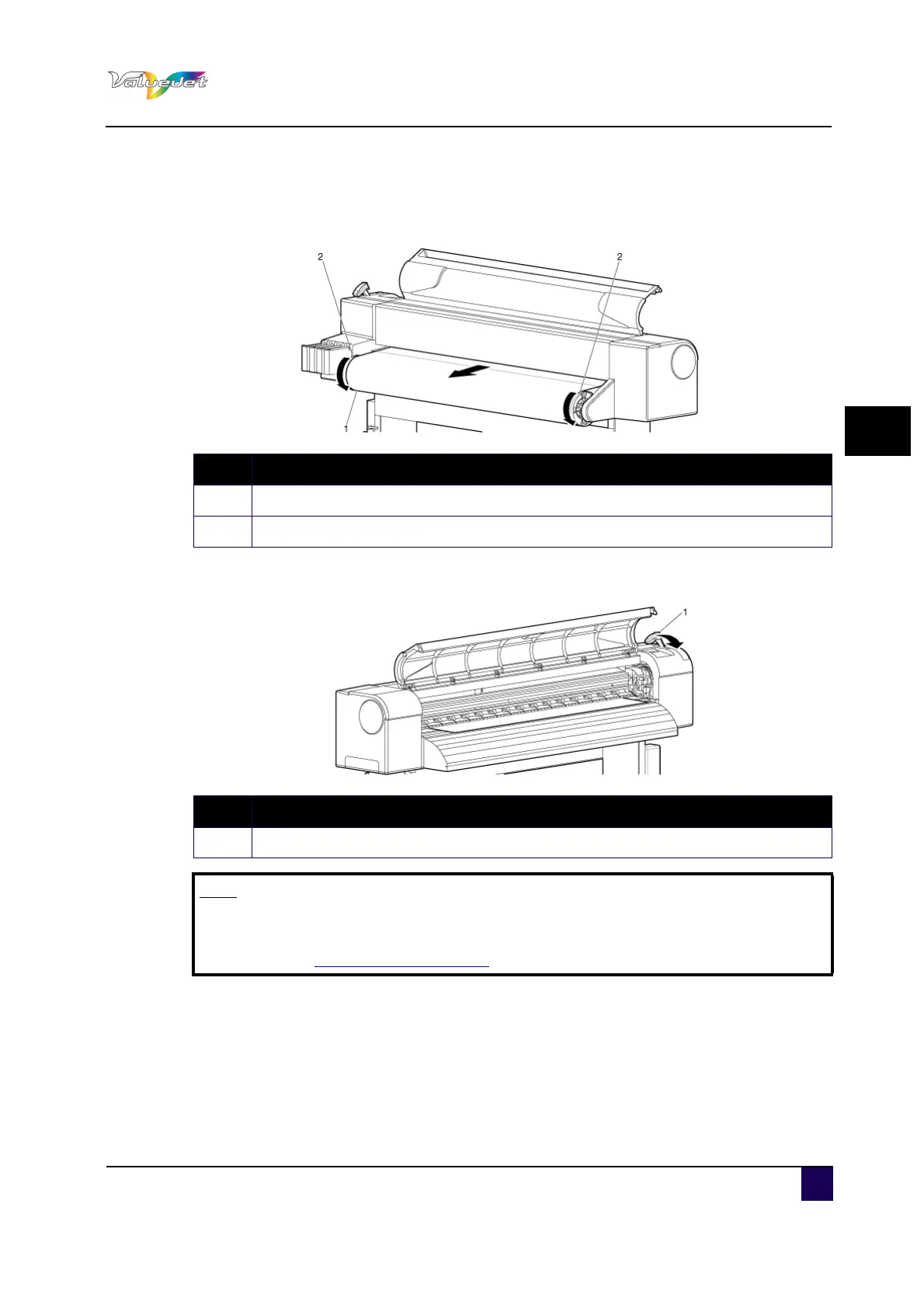
Step 4: Open the front cover, and pull out the roll media.
Step 5: Holding the front edge of the roll media, roll it back using the scroller to remove a
bend and slant.
Step 6: Pull the media loading lever forward.
Step 7: Close the front cover.
The Media type setup menu is displayed.
N° Description
1 Roll media
2 Scroller
N° Description
1 Media loading lever
Note
When loading the new roll media, cut the front edge of the media if it is not
straight.
Refer to “Cutting media on page91
”.















 To Next Page