User’s Guide ValueJet 1304
Handling the printer
AP-75780 - Revision 1.3 61
4
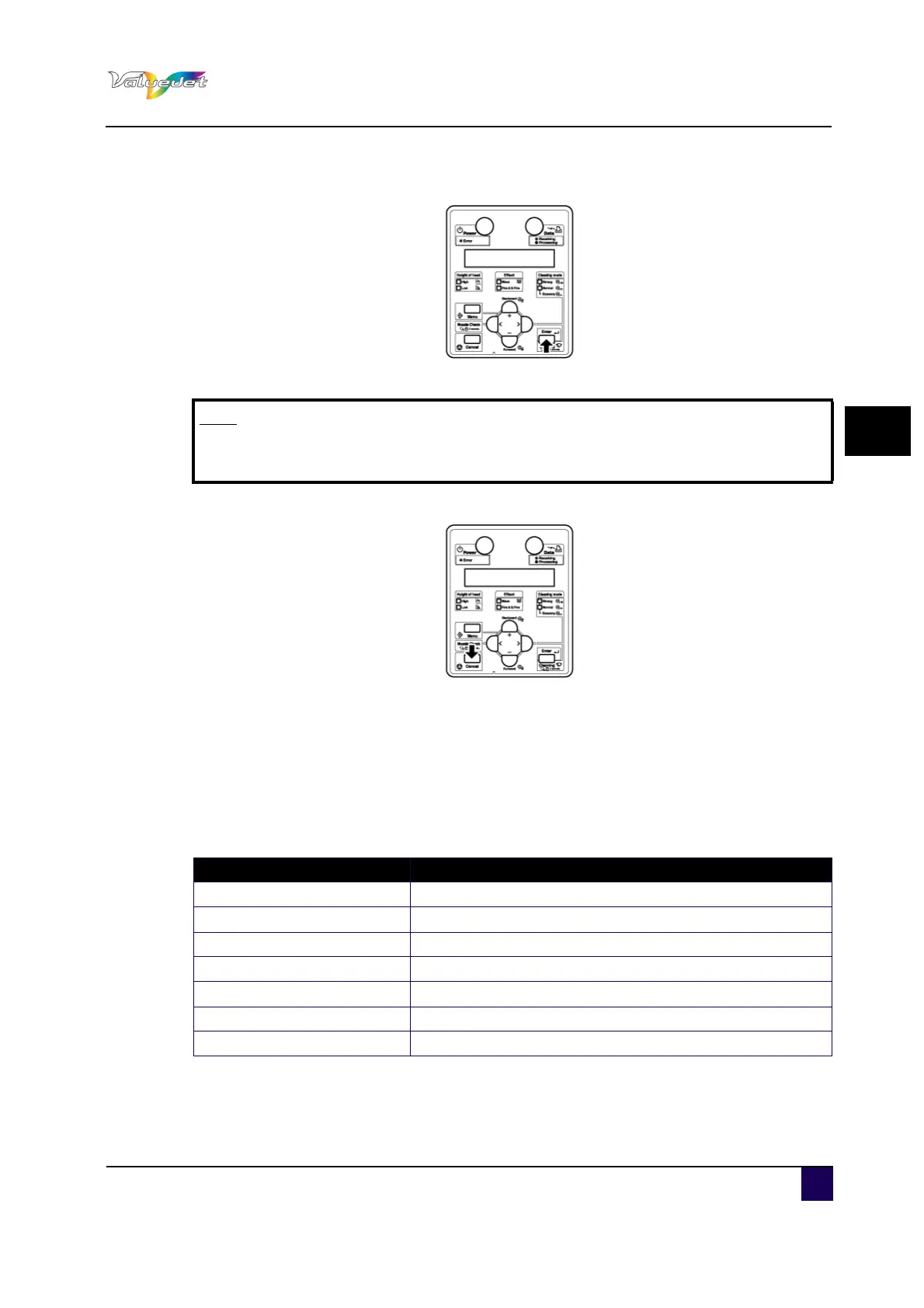
Step 5: To save the changed setting, press Enter.
The setting is saved and the next setup item is displayed.
Step 6: Press Cancel to exit from the setup.
The previous setup menu is displayed.
When the main menu is displayed, the screen turns to Normal.
4.5.2 Panel setup menu overview
This sub-section explains the Panel setup menu of the printer.
There are the following items in the Panel setup menu.
Note
If you press Cancel, + or – without pressing Enter after changing a setting, the
change will not be saved.
Setup item Description
Setup menu Various settings of the printer are configured.
Test Print menu Performs nozzle check of the print head and setup list.
Adjust Print menu Print and adjust test patterns for Alignment.
Cleaning menu Perform Head cleaning.
Selection menu Sets up the contents of the Setup menu.
Version menu Displays the versions of the firmware.
Sleep mode menu Sleep mode settings are configured.















 To Next Page