User’s Guide ValueJet 1304
Troubleshooting
118 AP-75780 - Revision 1.3
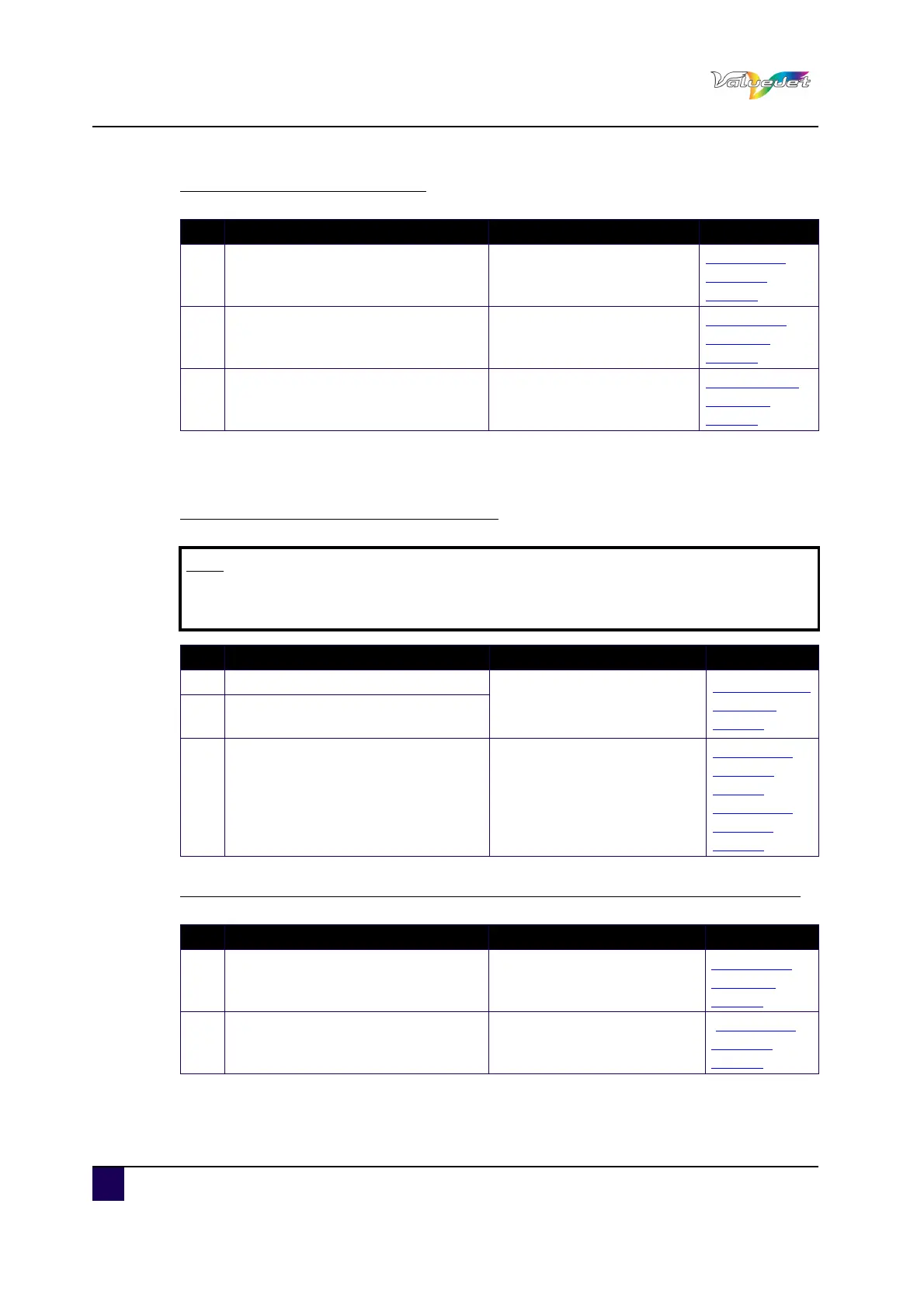
The media veers during printing
6.3.4 Printing-related troubleshooting
Printing is partially stained or incomplete
The printing position is incorrect (some parts of the media cannot be printed on)
N° Possible cause Remedy Reference
1
Are you using the recommended
media?
Use the recommended
media.
MediaType
menu on
page63
2
Is the loading position of the media
correct?
Set the media correctly.
Setting roll
media on
page42
3 Is the scroller set correctly? Set the scroller correctly.
Installing roll
media on
page40
Note
Proper print quality may not be obtained with the media other than the
recommended one.
N° Possible cause Remedy Reference
1 Does the media include moisture?
Replace it with new media.
Replacing roll
media on
page50
2
Are you using the folded or wrinkled
media?
3 Does the media bend?
Use the recommended
media.
When using media other than
the dedicated one, set the
Vacuum Fan menu.
MediaType
menu on
page63 and
Panel Setup
Menu on
page62
N° Possible cause Remedy Reference
1
Is the loading position of the media
correct?
Set the media correctly.
Setting roll
media on
page42
2
Did you set up the origin and print
position?
Cancel or reset the settings of
the origin and print position.
Panel Setup
Menu on
page62















 To Next Page