User’s Guide ValueJet 1304
Handling the printer
60 AP-75780 - Revision 1.3
4.5 Menu setup on the operation panel
4.5.1 Menu setup procedure
Follow the procedure below to configure each setup menu.
Step 1: Confirm that the operation panel is Normal mode.
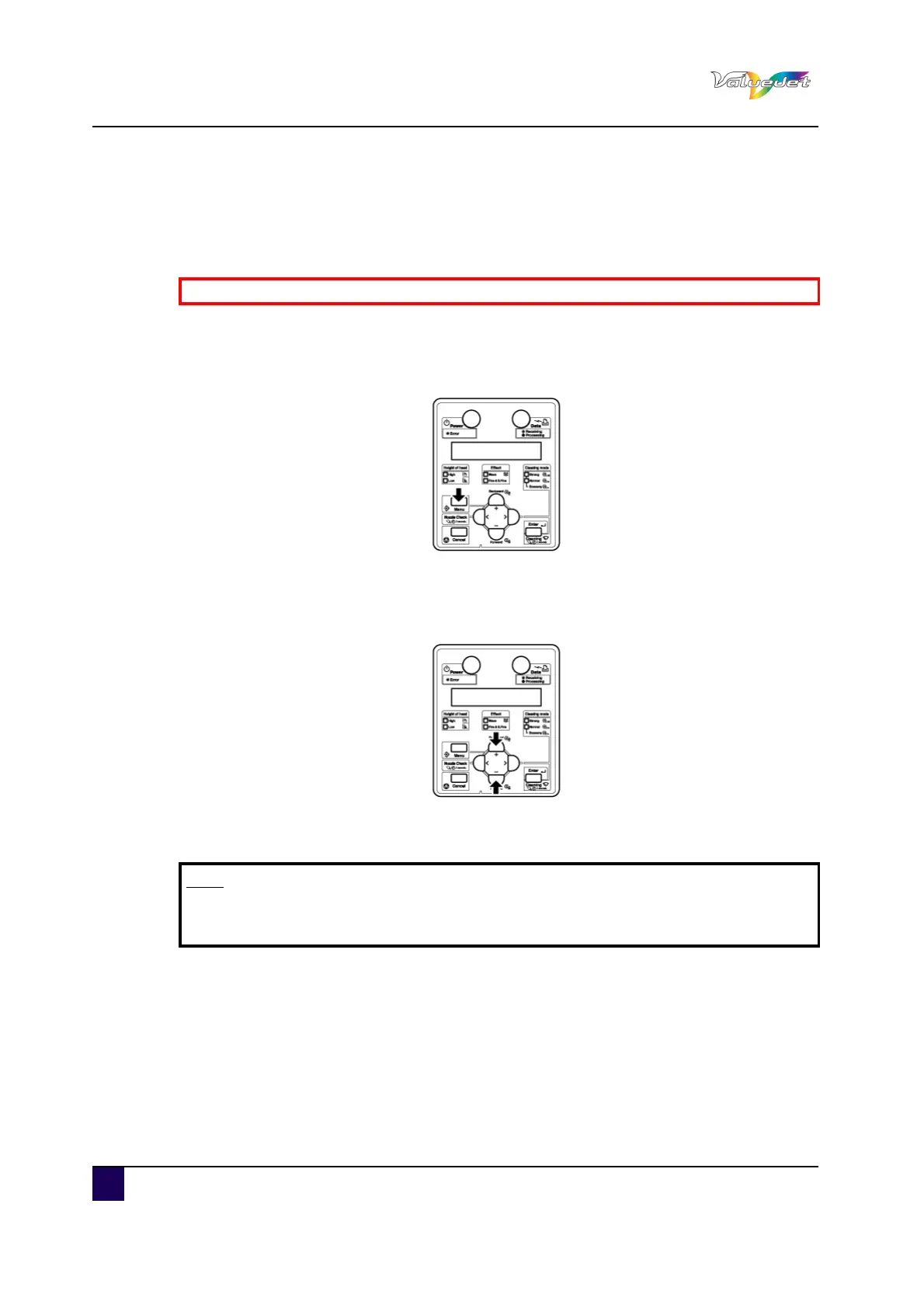
Step 2: Press Menu.
"Menu 1: Setup>" is displayed.
The operation panel shifts to the Setup menu display.
Step 3: Press + or – to select a setup item and press Enter.
The settings will be confirmed.
When setup items have a submenu, the display shifts to the next menu.
Step 4: The setting in the blinking part on the LCD monitor of the operation panel can be
changed.
Press + or – to change the setting.
Be sure to read and understand the safety warnings before handling the printer.
Note
When a setup item has a submenu, “>” is displayed on the right end of the LCD
monitor of the operation panel.















 To Next Page