User’s Guide ValueJet 1304
Handling the printer
82 AP-75780 - Revision 1.3
4.6.16 Auto cleaning menu
Sets up slant detection during media loading.
4.6.17 Ink status menu
Display information of the ink cassette that is installed in the cassette slot.
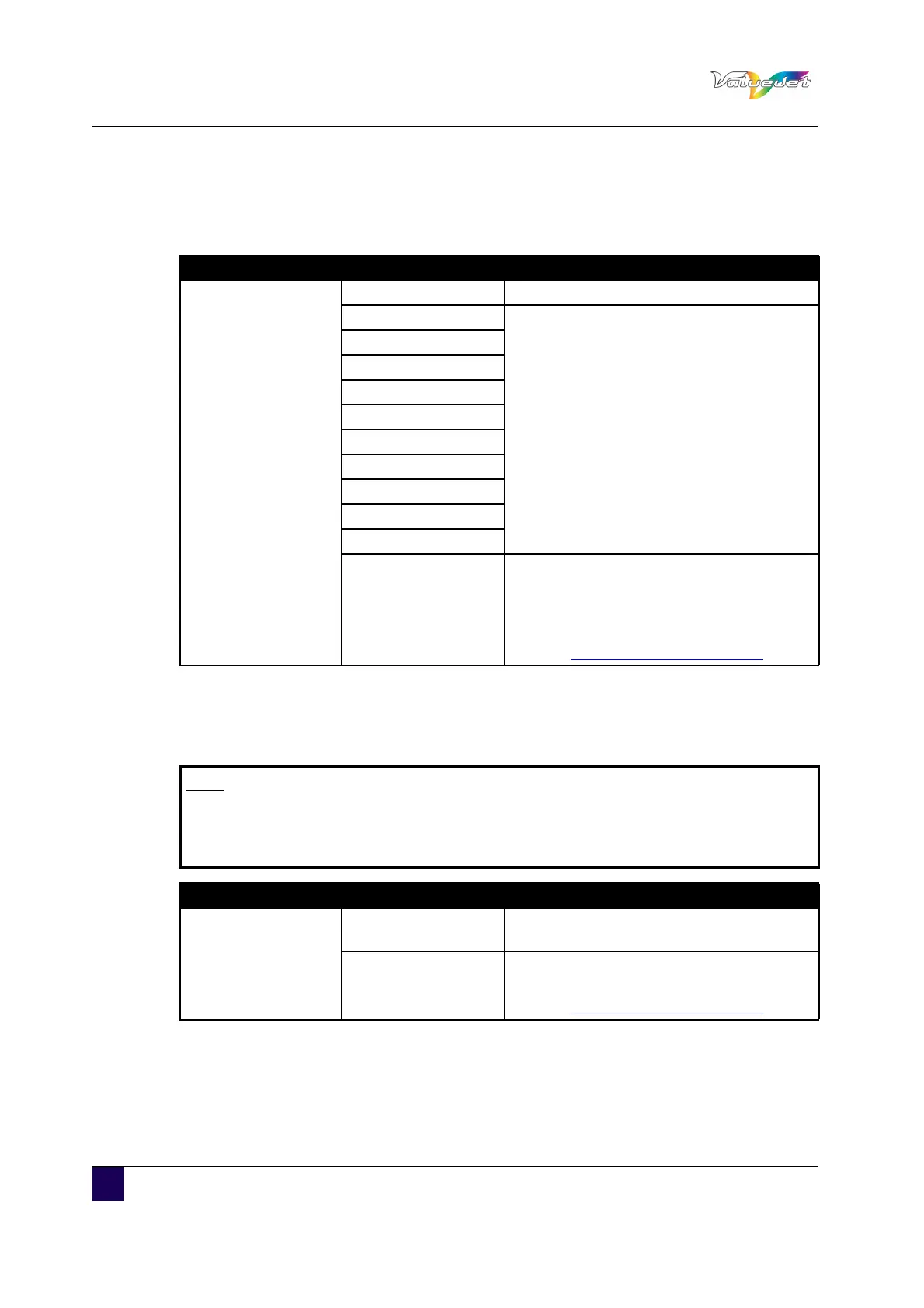
Setup item Setting Description
Auto Cleaning
OFF The auto cleaning is not performed
1 hours
When the selected time is reached, the auto
cleaning is performed.
2 hours
3 hours
4 hours
5 hours
6 hours
9 hours
12 hours
18 hours
24 hours
---
ENTER: Saves the settings and shifts to
the previous hierarchy.
CANCEL: cancels the settings and shifts to
the previous hierarchy.
Refer to:Panel Setup Menu on page62
Note
When displaying the Ink status menu, use genuine ink cassettes. When using
ink cassettes other than the genuine ones, the ink status will not be displayed
correctly.
Setup item Setting Description
KCMY
0 to 100 (Unit%)
Remaining ink quantity of K, C,M, and Y
colour is displayed
---
CANCEL: cancels the settings and shifts to
the previous hierarchy.
Refer to:Panel Setup Menu on page62















 To Next Page