User’s Guide ValueJet 1304
Periodical maintenance
96 AP-75780 - Revision 1.3
5.1.1 Cleaning the printer
Periodic cleaning is necessary to use the printer in good condition.
5.1.2 Cleaning the outer case
This sub-section describes how to clean the outer case.
Wipe out dust and dirt attached to the outer case by using a soft cloth.
5.1.3 Cleaning the inside of the printer
This sub-section describes how to clean the inside of the printer.
Follow the procedure below.
Step 1: Open the front cover.
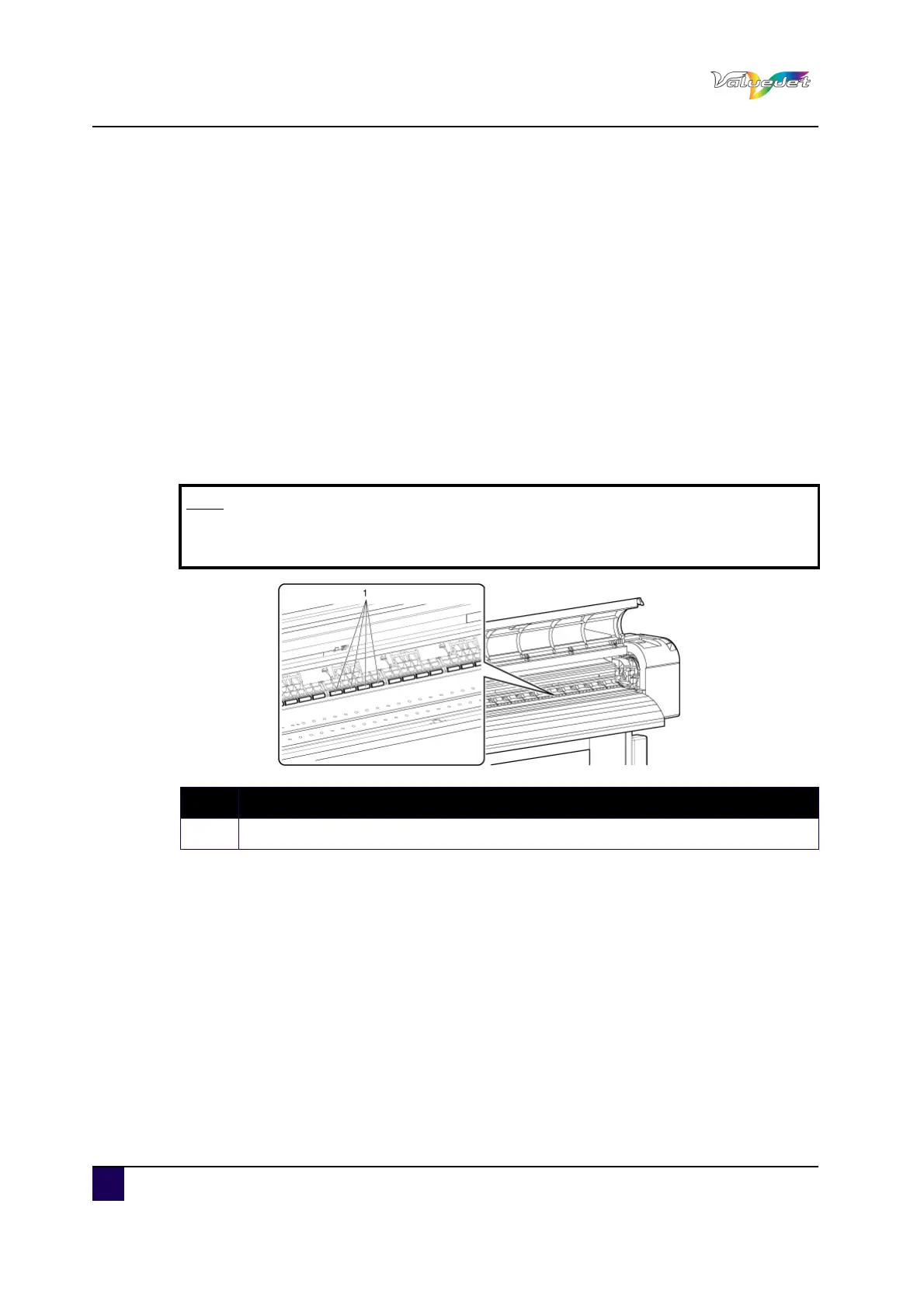
Step 2: Remove paper powder and dust attached to the pressure rollers using a soft brush.
Note
Do not blow paper powder inside the printer using tools such as an air duster.
It may cause an abnormal noise from the inside of the printer.
N° Description
1 Pressure roller















 To Next Page