User’s Guide ValueJet 1304
Handling the printer
AP-75780 - Revision 1.3 53
4
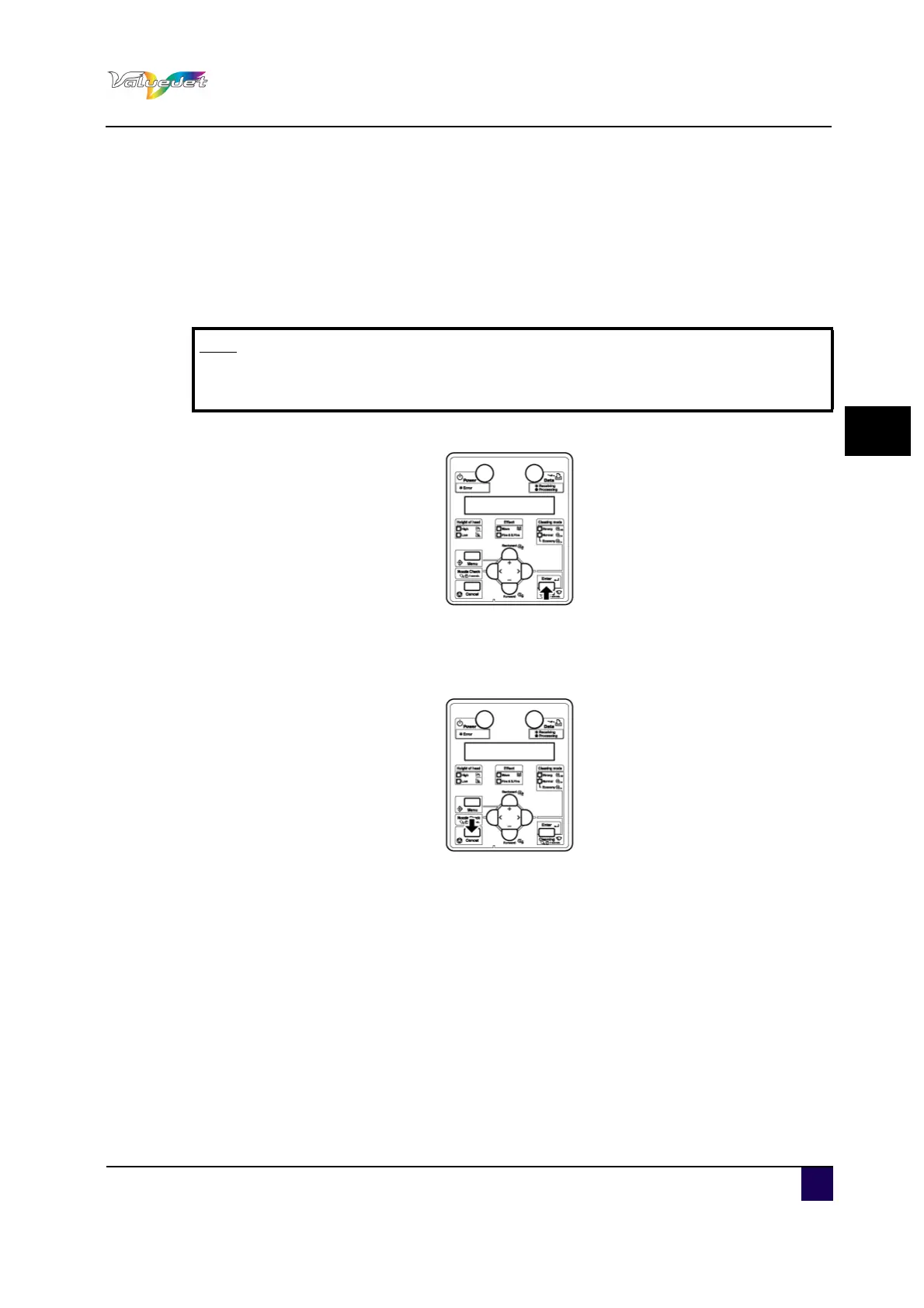
Step 3: Press + or - to select a testprint menu.
NozzleCheck
Modeprint
SetList
AllSetList
Palette
Step 4: Press ENTER.
Start performing Test print for the selected item.
Step 5: Repeat step 4 till 5 when performing test print for other items.
Step 6: Press Cancel to exit from the test print.
Note
When “Banner 1” or “Banner 2” is set in the print mode menu, “PalettePrint” is
not displayed in the TestPrint menu.















 To Next Page