User’s Guide ValueJet 1304
Periodical maintenance
104 AP-75780 - Revision 1.3
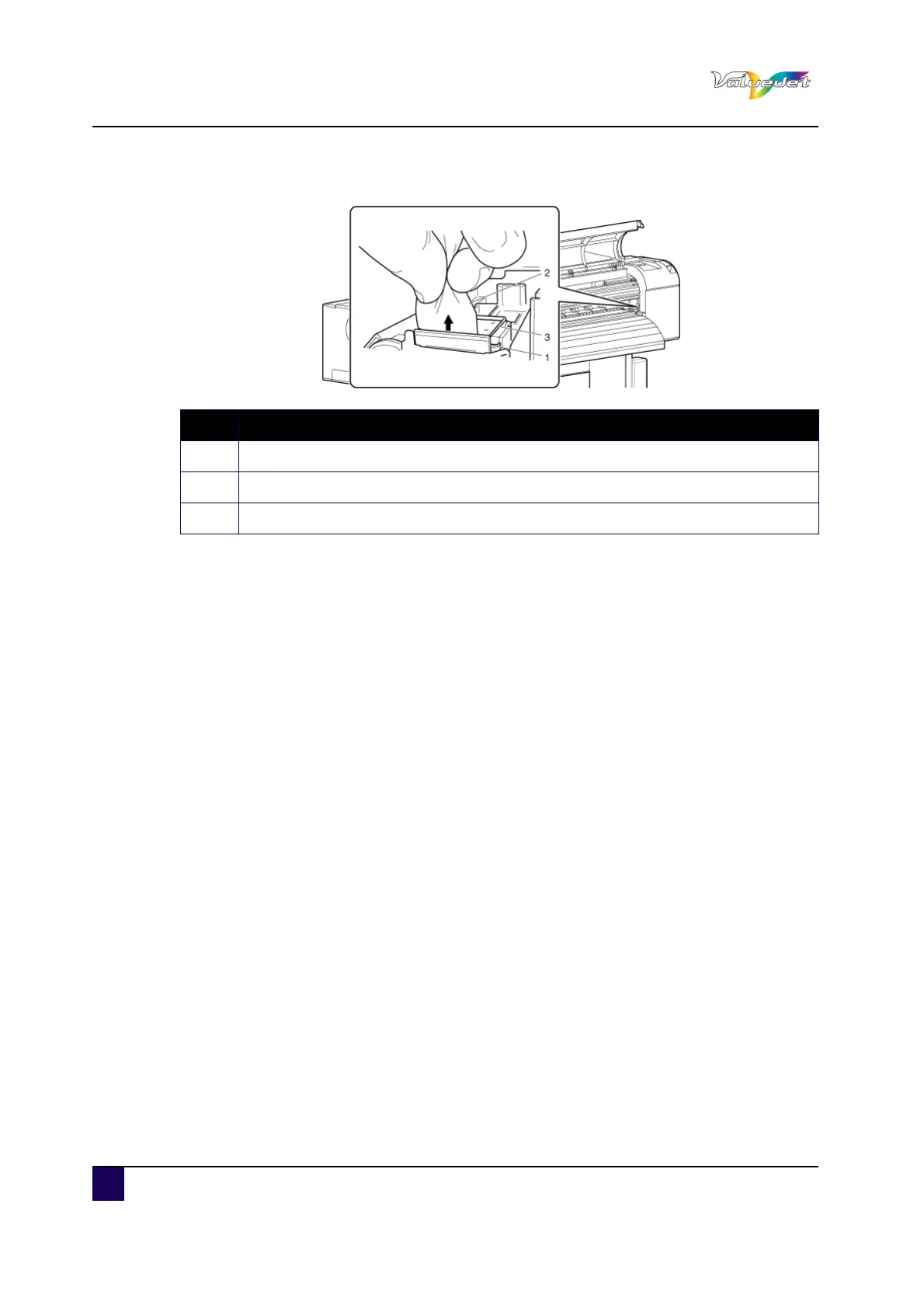
Cleaning wiper back side: wipe vertically
Step 6: Close the front cover.
Step 7: Press Enter.
The print head returns to its original position.
"CR Mainte.: Start" is displayed.
Step 8: Press Cancel.
The printer enters Normal.
Cleaning of the cleaning wiper is complete.
N° Description
1 Cleaning wiper
2 Poly-knit wiper
3 Head cap unit















 To Next Page