User’s Guide ValueJet 1304
Installing the unit
AP-75780 - Revision 1.3 35
3
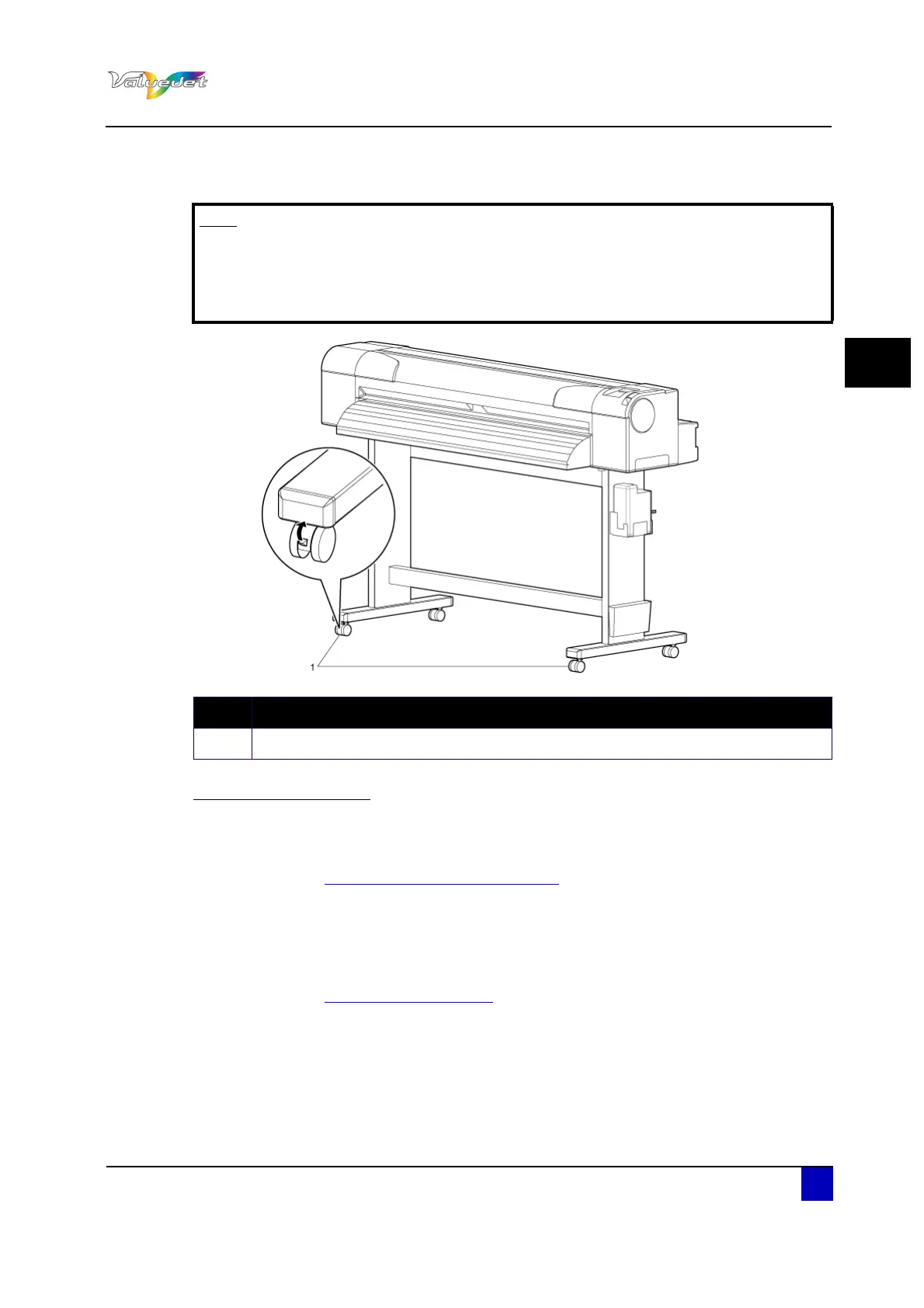
Step 8: Release the lock of the caster and transfer it.
Reinstalling the printer
Step 1: After moving the printer, follow the procedure below to set it ready for use.
Step 2: Select a suitable place for installation
Refer to “Installation environment on page25
.
Step 3: Move and install the printer to the location.
Step 4: Check the butterfly bolts (2) fixing the stand and the printer are well fixed.
Step 5: Attach all needed cables.
Step 6: Perform a nozzle check, and then confirm that there is no clogging in the print head.
Refer to “Nozzle Check on page54
”
Step 7: Perform Alignment.
Note
The casters supplied with the dedicated stand are manufactured for little
movement in flat indoor areas, not for transporting equipment.
When moving the printer outdoors in places with big step differences, move
the stand and the printer separately.
N° Description
1 Caster















 To Next Page