Before using VJ-1624X/1624WX/1924WX OPERATION MANUAL
128 3.6 Print quality adjustment
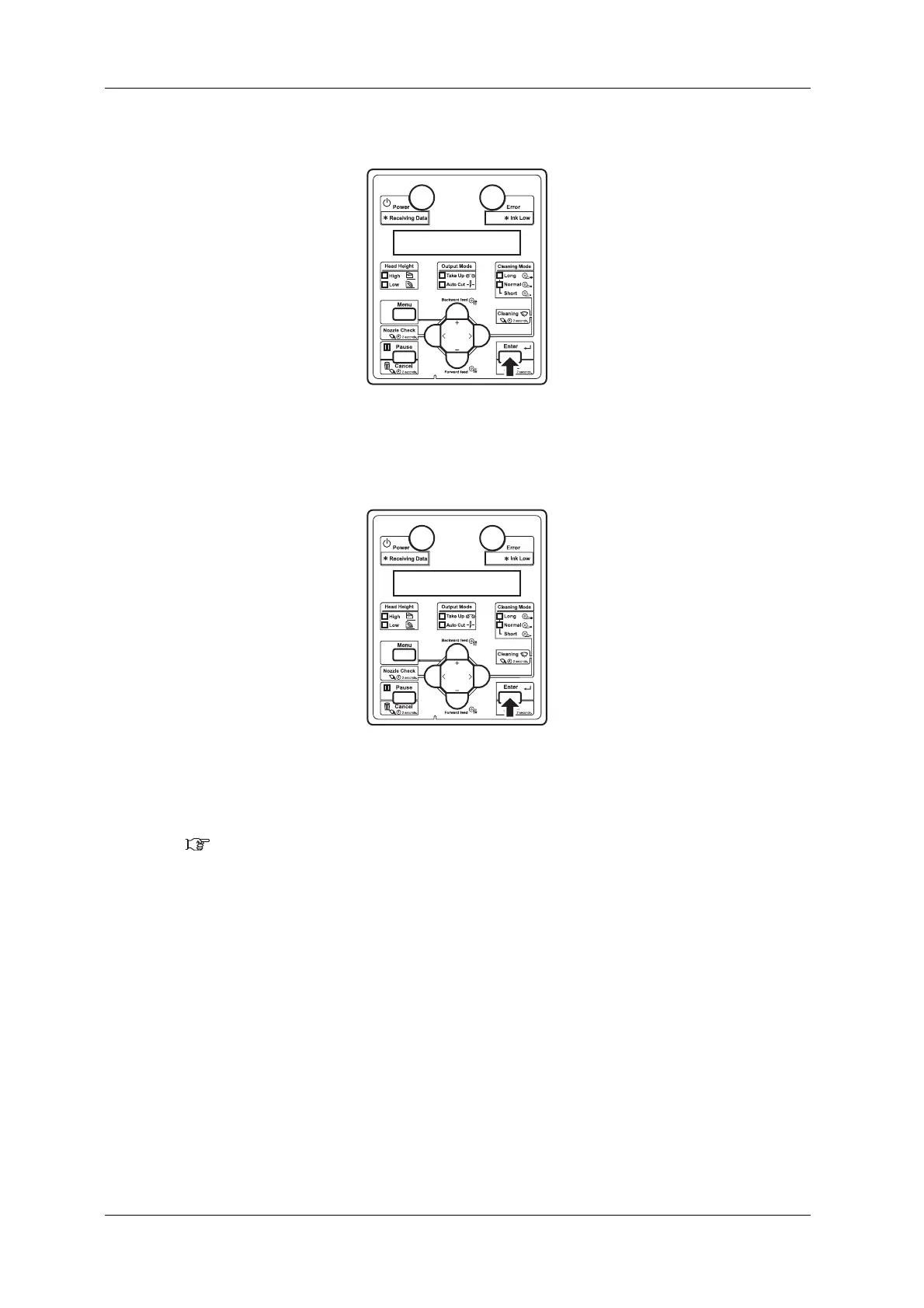
i. Press the [Enter] key on Operation panel.
• Media thickness value is set.
• "Adjust print1: Standard" is displayed on Operation panel.
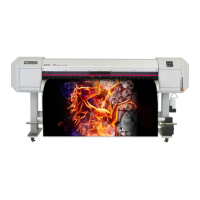
j. Press the [Enter] key on Operation panel.
• “Adj. 1: Confirm Ptn.” is displayed on Operation panel.
• The display enters the Adjust Print menu.
5.1.1.1.2 Adjust Print menu




 To Next Page