VJ-1624X/1624WX/1924WX OPERATION MANUAL Before using
3.6 Print quality adjustment 129
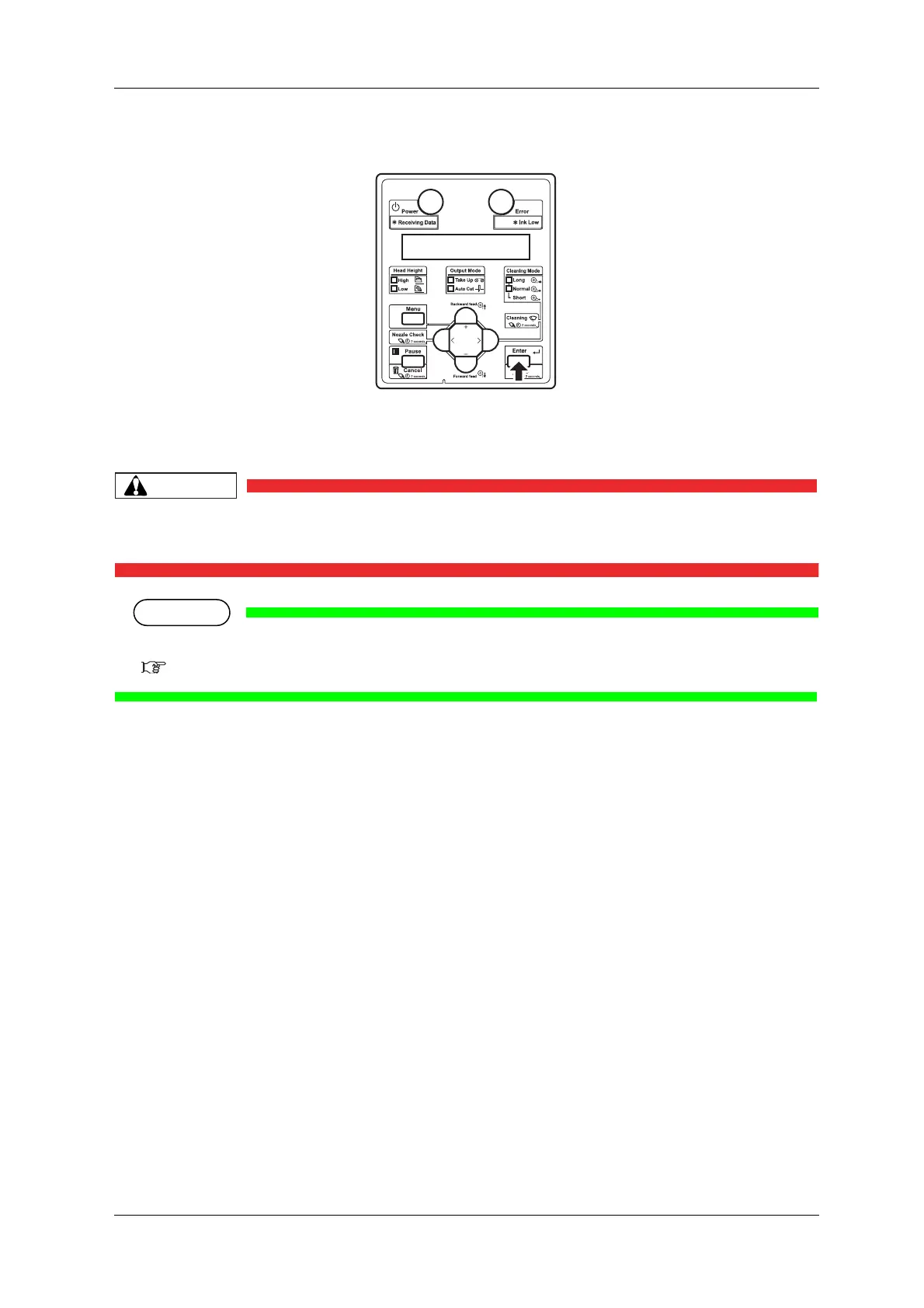
3. Press the [Enter] key on Operation panel.
• For VJ-1624X, "Warming Up Skip ->E" is displayed on Operation panel.
(This is not displayed for VJ-1624WX/1924WX since it does not perform warming up.)
• While "Warming Up" is displayed, do not touch Platen and Media guide.
They become very hot and you could burn yourself.
You can start printing during warming up.
4.4.7 Starting printing during warming up (VJ-1624X only)
• A confirmation pattern for print quality adjustment is printed.
(VJ-1624X starts printing after warming up is complete.)






 To Next Page