VJ-1624X/1624WX/1924WX OPERATION MANUAL Before using
3.6 Print quality adjustment 153
• For VJ-1624X, “6” represents the current setting value.
• For VJ-1624WX/1924WX, “11” represents the current setting value.
• When the line is aligned, the bold line on its left side does not have a white vertical line in the
middle.
• “Pattern A: 6” (“Pattern A: 11” for VJ-1624WX/1924WX. Refer to the chart below for *.) is
displayed on Operation panel.
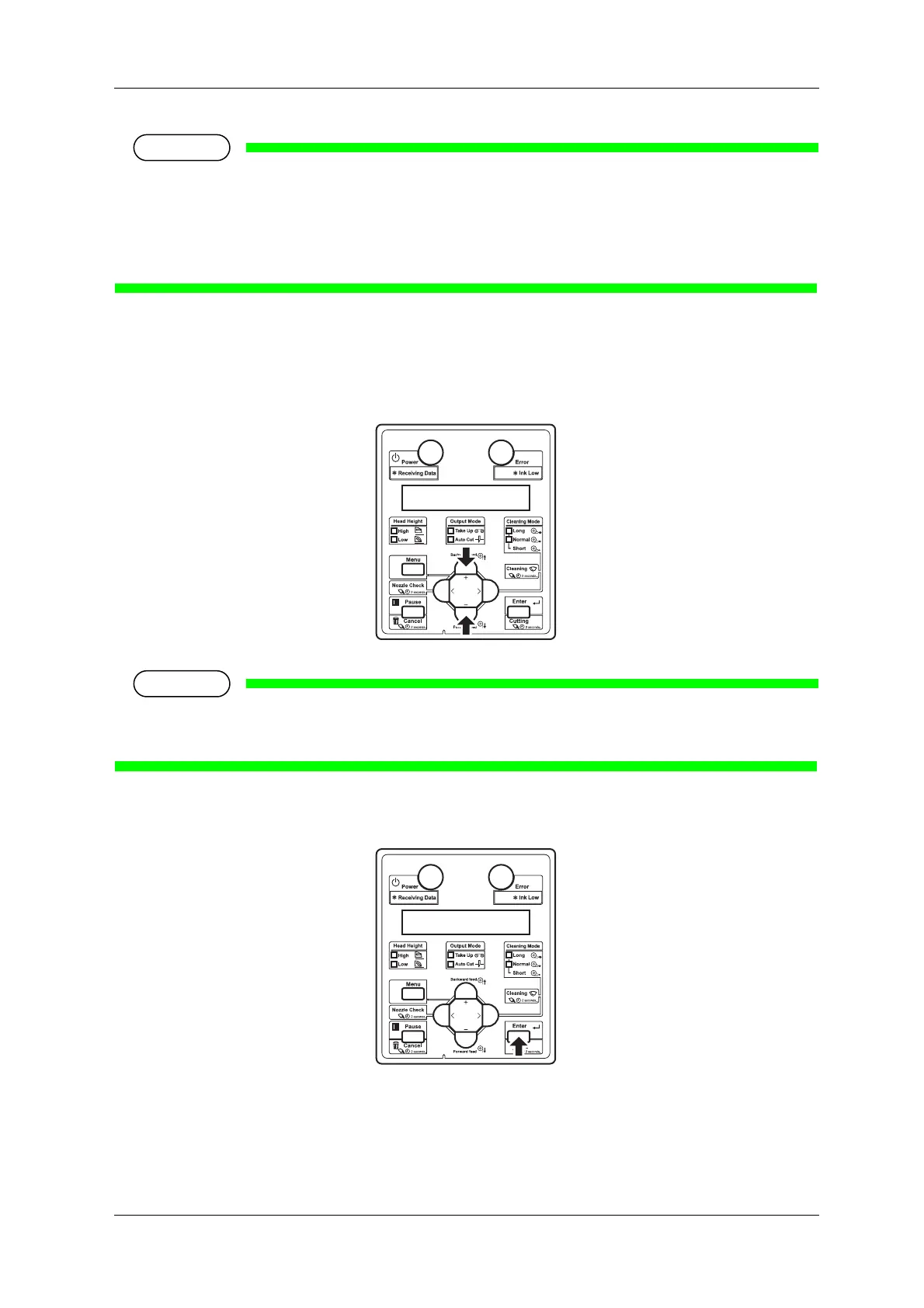
5. Press the [+] key or [-] key on Operation panel to enter the number that you selected in Step 4.
• When you press the [Cancel] key on Operation panel, the display returns to “Adj.3:
RoughPatternA”.
6. Press the [Enter] key on Operation panel.
• Determines the setting.
• “Adj.3: RoughPatternA” is displayed on Operation panel.















 To Next Page