VJ-1624X/1624WX/1924WX OPERATION MANUAL 4 Handling the printer
4.5 Using Spectrophotometer (VJ-1624X only) 201
4. Set the user type setting.
3.4.3 Setting the User Type Setting
• When the user type setting and media initial operation are complete, "Ready to Print" is
displayed on Operation panel.
5. Start RIP software to print and measure the color target.
For the setting and operations of the RIP software, refer to its operation manual.
• The printer starts printing the color target.
• "Printing" is displayed on Operation panel.
• After printing is complete, "Attaching instrument [ENTER]" is displayed on the operation panel.
• Do not open the covers or move media loading lever during printing.
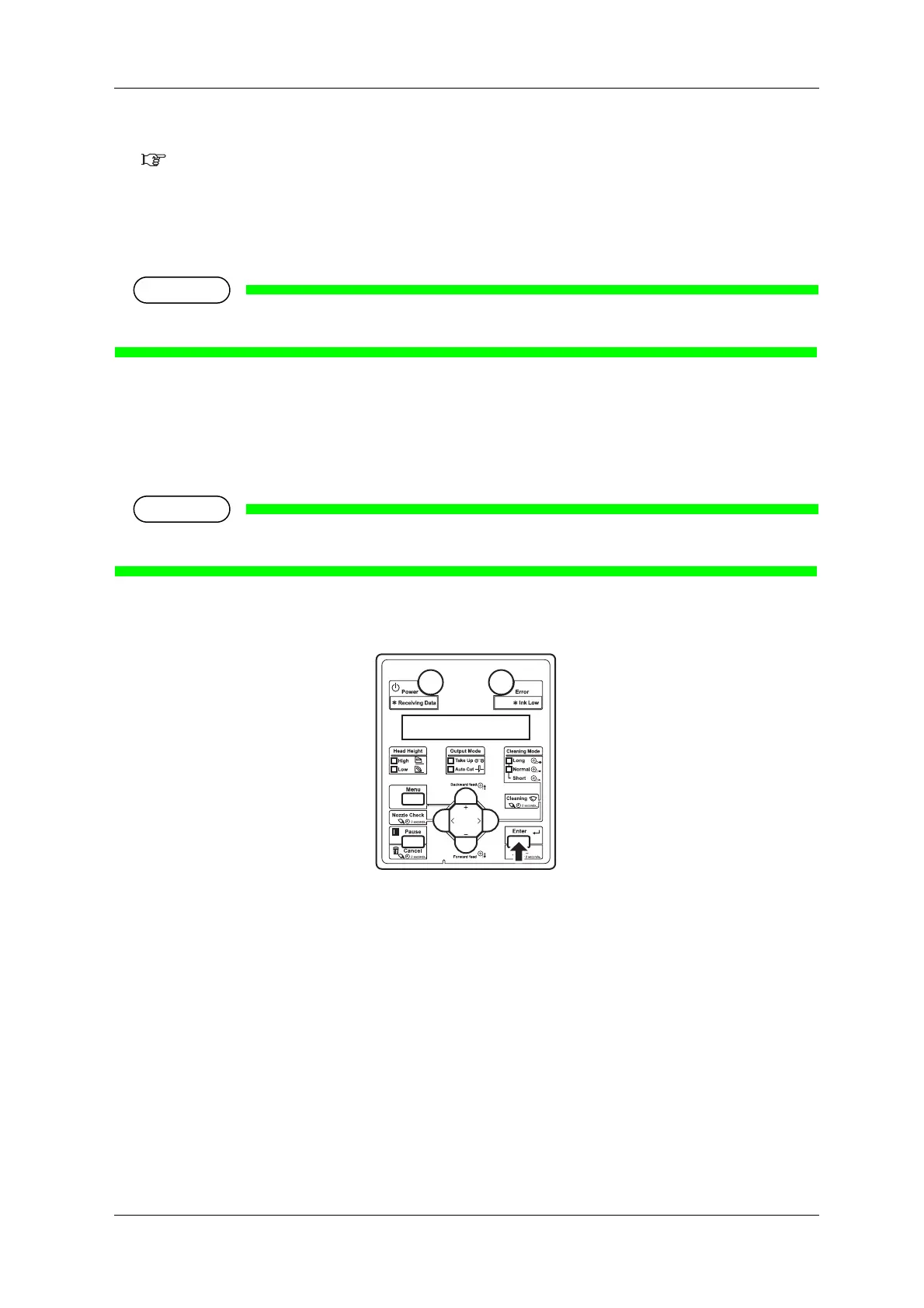
6. Press the [Enter] key.
• "Wait for a while..." is displayed on Operation panel.
• Print head moves to the left.
• "Open left mainte. cover." is displayed on Operation panel.















 To Next Page