VJ-1624X/1624WX/1924WX OPERATION MANUAL 4 Handling the printer
4.5 Using Spectrophotometer (VJ-1624X only) 203
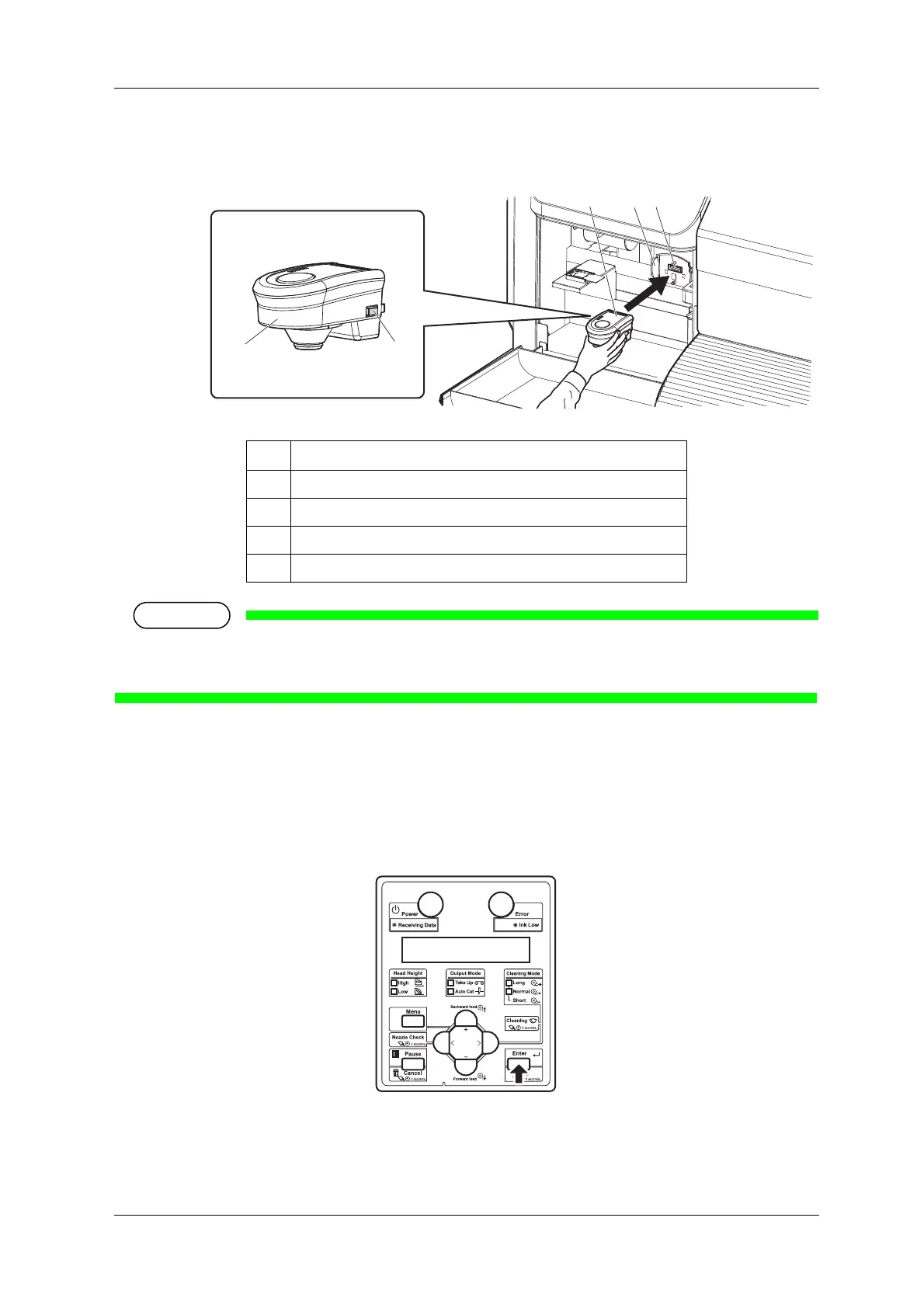
9. Press the release buttons on both sides of Spectrophotometer, and install it to the connector of Print
head.
Make sure that Spectrophotometer is NOT installed at an angle, and that there in no gap between
the connector and Spectrophotometer.
10. Press the [Enter] key.
• "Wait for a while..." is displayed on Operation panel.
• The printer checks the connection between the printer and Spectrophotometer.
• "Set white plate, then close left maintenance cover." is displayed on Operation panel.
No. Name
1 Spectrophotometer
2 Release buttons
3 Print head section
4 Connector















 To Next Page