VJ-1624X/1624WX/1924WX OPERATION MANUAL 7 Troubleshooting
7.2 Error messages 337
30 Measurement Error
(Media End)
The media has run out while
printing or measuring the
color target.
(VJ-1624X only)
Load new media and start
printing and measuring the
color target again.
4.5 Using
Spectrophotometer
(VJ-1624X only)
31 Measurement Error
(Cover Open)
Cover(s) opened while
measuring the color target.
(VJ-1624X only)
Close Front cover and
Maintenance covers on both
sides of the printer.
3.4 Loading media
6.2.4 Cleaning
Cleaning wiper
32 Measurement Error
(Lever Lifted)
Media loading lever is raised
while printing or measuring
the color target.
(VJ-1624X only)
Printing or measuring is
cancelled. Start printing and
measuring the color target
again.
4.5 Using
Spectrophotometer
(VJ-1624X only)
33 Measurement Error
(Communication)
A communication error
occurred while printing or
measuring the color target.
(VJ-1624X only)
Check the communication
requirements between the
printer and your PC.
3.7 Connecting the
printer to PC
34 Measurement Error
(Instrument)
A communication error with
Spectrophotometer
(SPECTROVUE VM-10)
occurred while measuring the
color target.
(VJ-1624X only)
Check the connection
between the printer and
Spectrophotometer
(SPECTROVUE VM-10).
4.5 Using
Spectrophotometer
(VJ-1624X only)
35 Measurement Error
(Cancelled)
Printing or measuring the
color target has been
cancelled from Operation
panel or the RIP software.
(VJ-1624X only)
Start printing and measuring
the color target again.
4.5 Using
Spectrophotometer
(VJ-1624X only)
36 Measurement Error
(White Calibration)
White calibration has failed.
(VJ-1624X only)
• Open Maintenance cover
on the left side of the
printer and install White
reference plate correctly.
• When White reference
plate is contaminated,
apply a damp and tightly
squeezed soft cloth to clean
it.
• Start printing and
measuring the color target
again.
• If you still have trouble,
contact your local MUTOH
dealer.
4.5 Using
Spectrophotometer
(VJ-1624X only)
37 Measurement Error
(Illegal Operation)
Colorimeter has been
installed forcibly without
following the measurement
procedure.
(VJ-1624X only)
• Remove Colorimeter.
4.5 Using
Spectrophotometer
(VJ-1624X only)
38 [KCMY] Reseat Cart. Reinsert the ink cartridge due
to a contact failure for the
smart chip card.
• Insert the ink cartridge
again.If IC chip still cannot
be read, insert a new ink
cartridge.
—
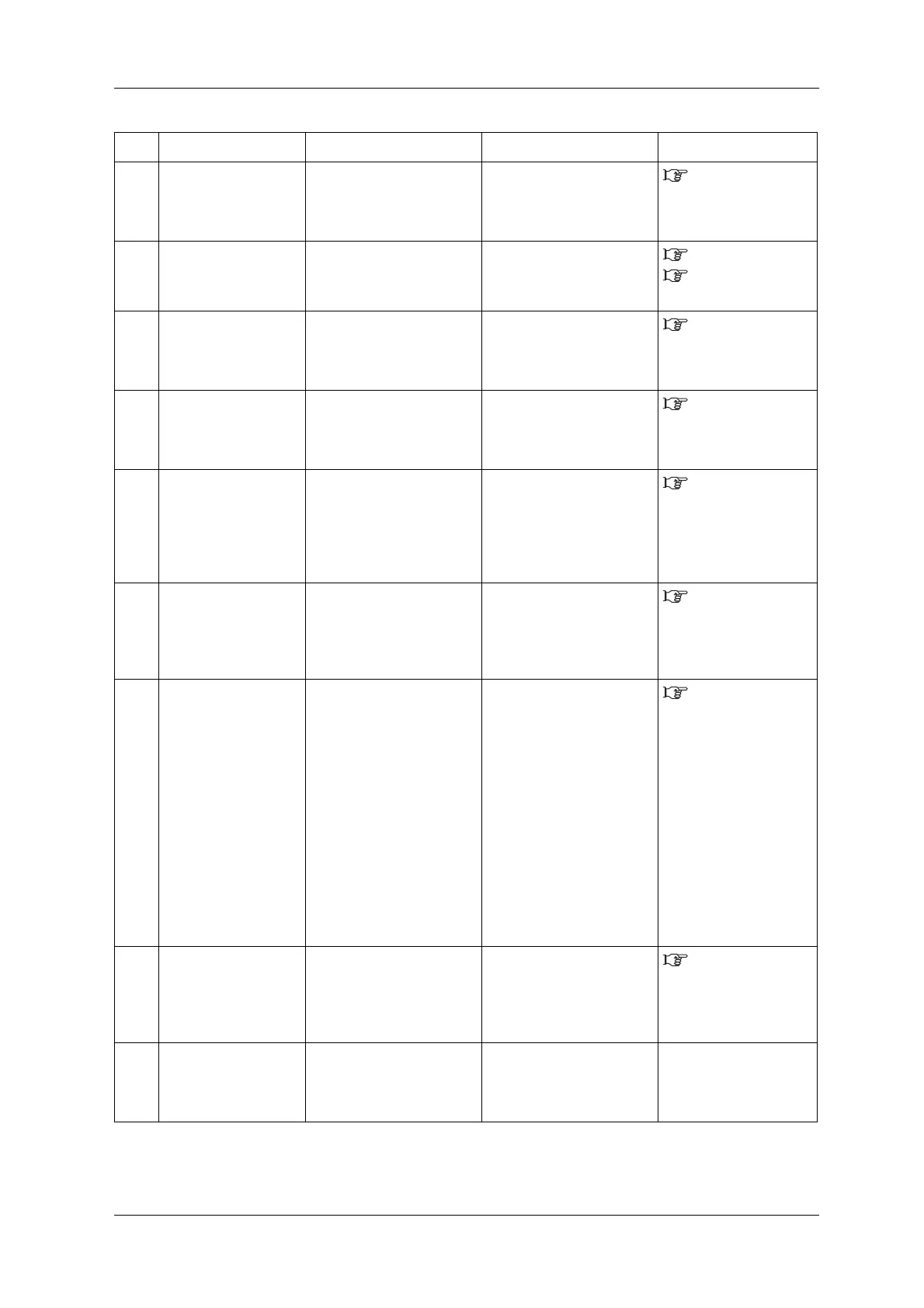
No. Display Description Remedy Reference















 To Next Page