VJ-1624X/1624WX/1924WX OPERATION MANUAL Before using
3.3 Filling ink 57
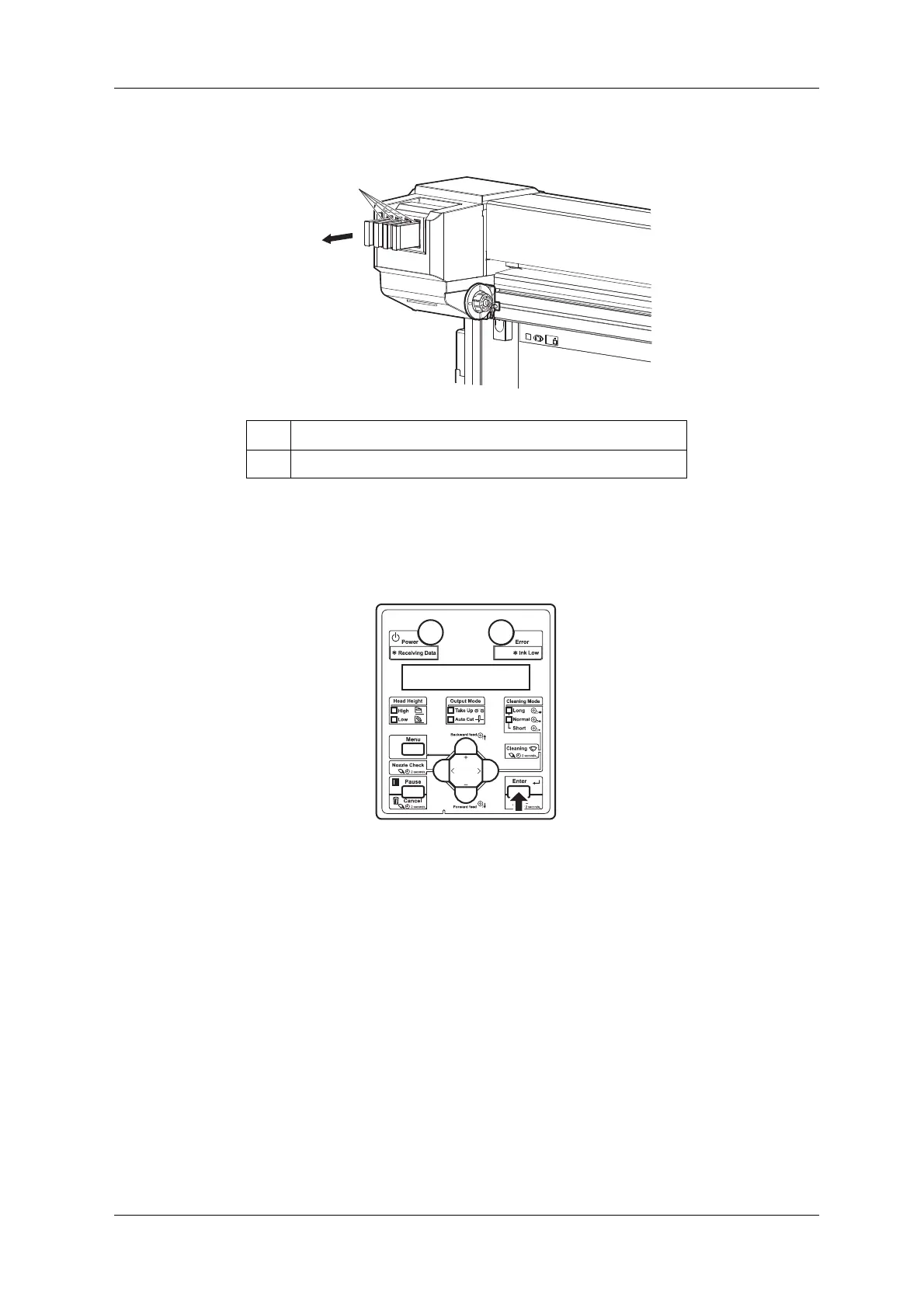
7. Remove all Cleaning cartridges.
• "Busy-Washing" is displayed on Operation panel and the printer starts head cleaning.
• When head cleaning is complete, "Wash retry? No" is displayed on Operation panel.
8. Press the [Enter] key on Operation panel.
• "Insert InkCartridges" is displayed on Operation panel.
No. Name
1 Cleaning cartridge















 To Next Page