EasyManua.ls Logo

Nikon D300S - Page 188

Nikon D300S
501 pages
Print Icon
To Next Page IconTo Next Page
To Previous Page IconTo Previous Page
Loading...
162
~
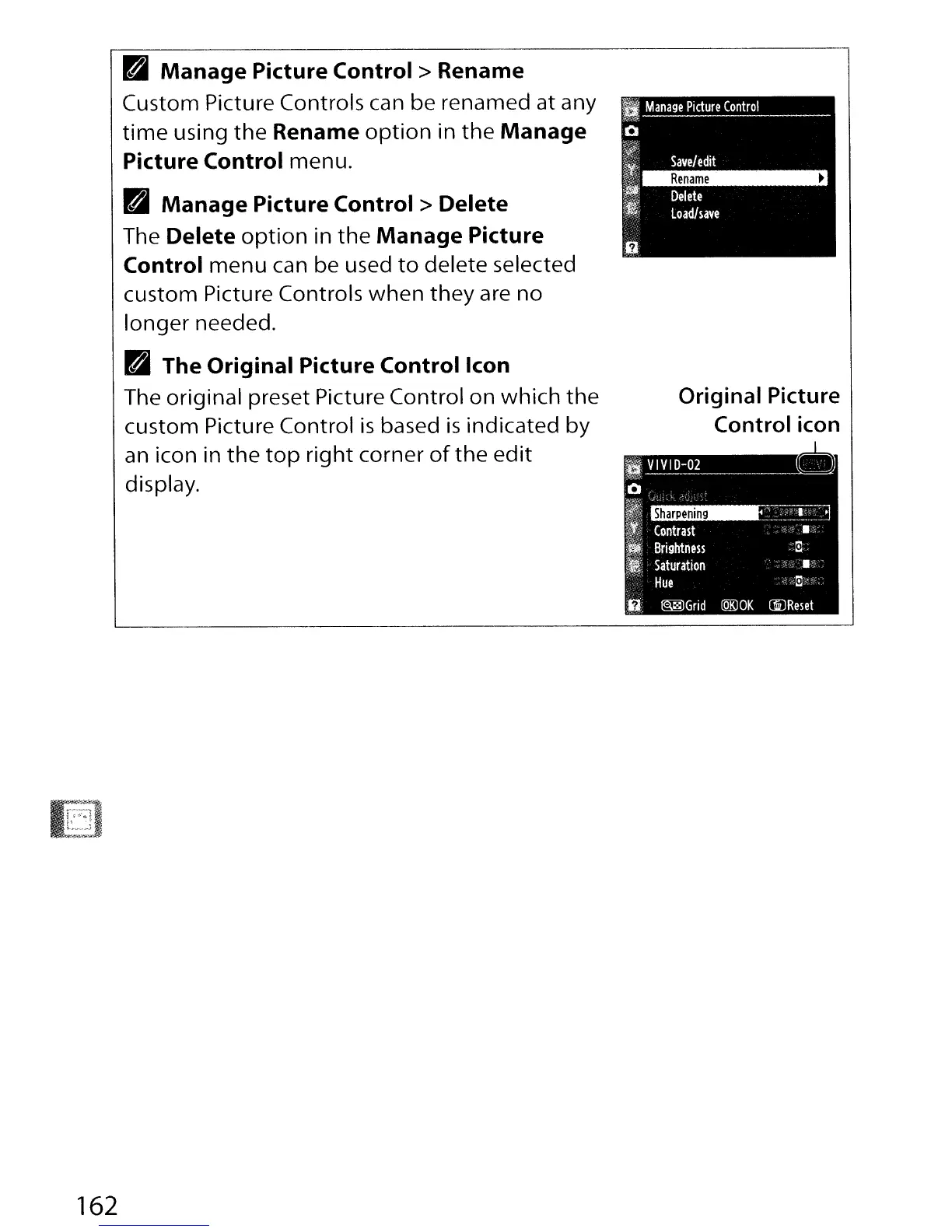
Manage
Picture
Control>
Rename
Custom Picture Controls can be renamed at any
time
using
the
Rename
option
in
the
Manage
Picture Control menu.
~
Manage
Picture
Control>
Delete
The
Delete
option
in
the
Manage
Picture
Control
menu
can be used
to
delete selected
custom Picture Controls
when
they
are no
longer needed.
~
The Original Picture
Control
Icon
The original preset Picture Control on which
the
custom Picture Control
is
based
is
indicated
by
an
icon in
the
top
right
corner
of
the
edit
display.
Original Picture
Control icon
HVIVID-02
0
~"",.,
Q
~~
Ii
Contrast
------.-:--
'i&-~
~.
Brightness
":il,
_t
Saturation
'.(
"
-,'
Hue
',:;)
6
@®Grid
(QK)OK
CiJReset

Table of Contents

Other manuals for Nikon D300S

Related product manuals