101
Playback
Deleting Unwanted Pictures
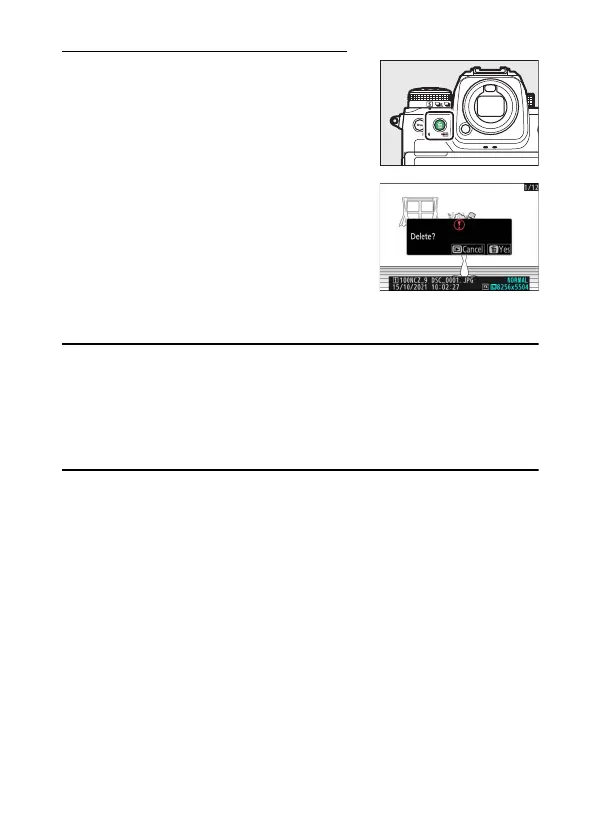
Press the
O
(
Q
) button to delete the current
picture. Note that pictures cannot be recovered
once deleted.
•
Display a picture you want to delete and
press the
O
(
Q
) button to display a
confirmation dialog. Press the
O
(
Q
) button
again to delete the picture and return to
playback.
•
To exit without deleting the picture, press
K
.
A
The Playback Menu [Delete] Item
Use [Delete] in the playback menu to:
•
delete multiple pictures,
•
delete all pictures currently rated
d
(candidate for deletion),
•
delete all pictures taken on selected dates, or
•
delete all pictures in selected folders.



 To Next Page