429
Flash Modes
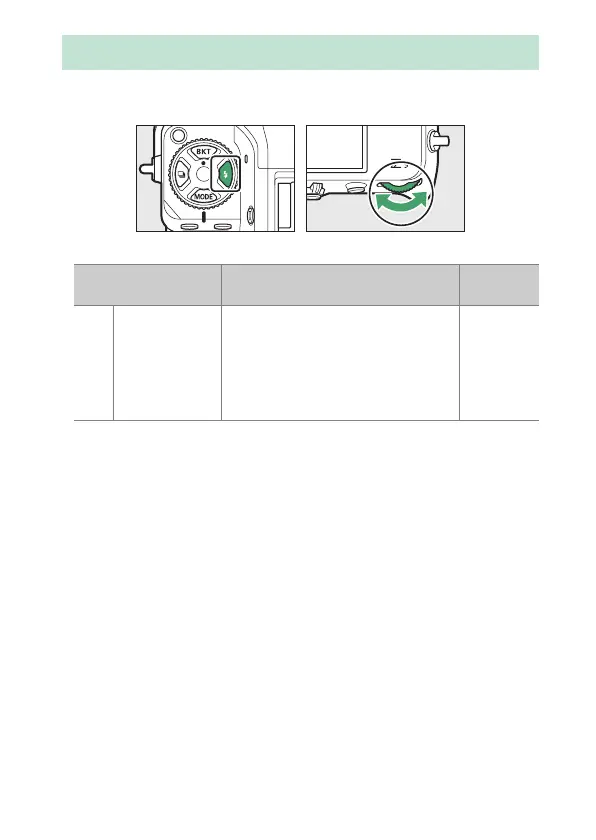
To choose the flash mode, hold the
c
button and rotate the main
command dial.
•
The options available vary with the shooting mode.
Flash Modes
Option Description
Available
in
I
[Fill flash]
(front-curtain
sync)
This mode is recommended in most
situations. In modes P and A, shutter
speed will automatically be set to
values between
1
/
200
s (or
1
/
8000
s
with auto FP high-speed sync) and
1
/
60
s.
P, S, A, M



 To Next Page