287
Creating Retouched Copies
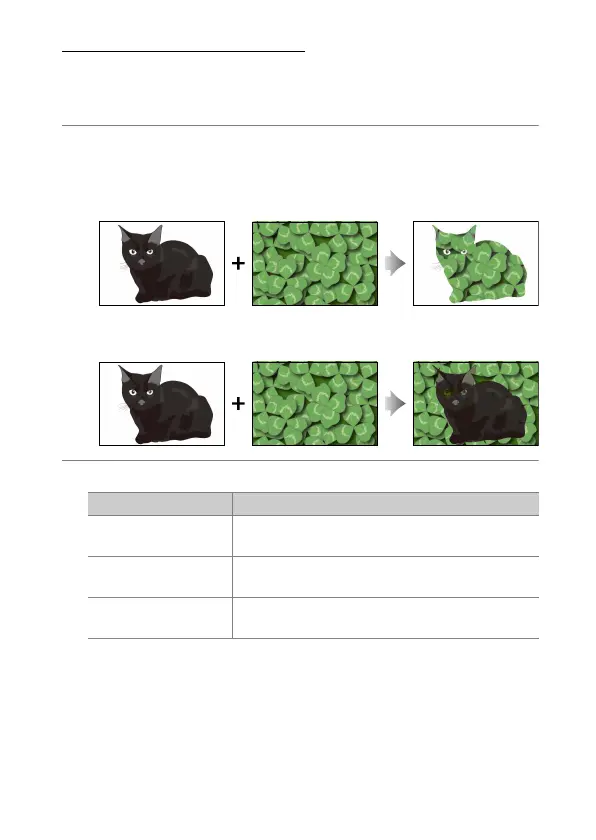
“Lighten” and “Darken”
The camera compares multiple selected pictures and selects only the
brightest or darkest pixels at each point in the picture to create a single
new JPEG copy.
1
Select [Retouch] in the
i
menu, then highlight [Lighten] or
[Darken] and press
2
.
•
[Lighten]: The camera compares the pixels in each picture and
uses only the brightest.
•
[Darken]: The camera compares the pixels in each picture and
uses only the darkest.
2
Choose how pictures are selected.
Option Description
[Select individual
pictures]
Select pictures for the overlay one-by-one.
[Select consecutive
pictures]
Select two pictures; the overlay will include the
two pictures and all the pictures between them.
[Select folder]
The overlay will include all pictures in the
selected folder.



 To Next Page