241
The
i
Button (Playback Mode)
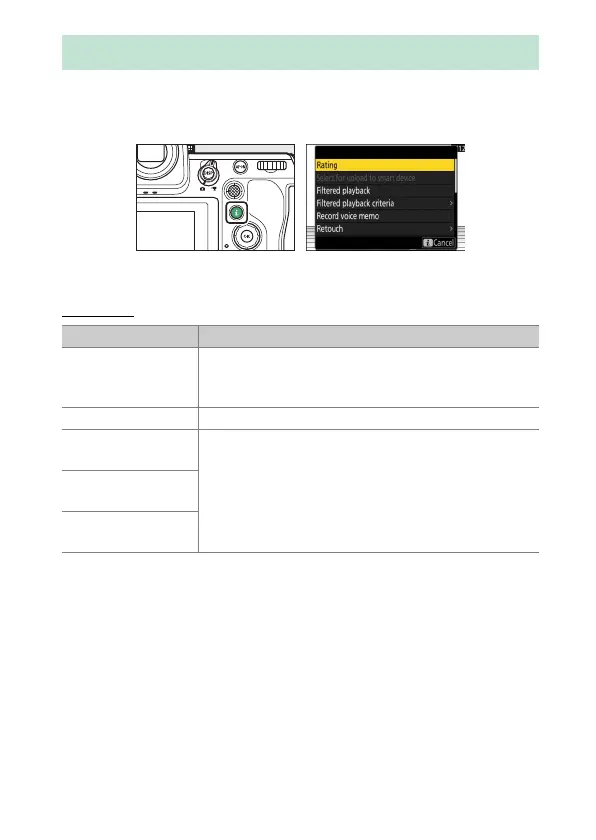
Pressing the
i
button during playback zoom or full-frame or thumbnail
playback displays the
i
menu for playback mode. Highlight items and
press
J
or
2
to select.
Press the
i
button again to return to playback.
Photos
The
i
Button (Playback Mode)
Option Description
[Quick crop]
1
Save a copy of the current picture cropped to the
area visible in the display. This option is not available
when RGB histograms are displayed (
0
233).
[Rating] Rate the current picture (
0
251).
[Select for upload
to smart device]
Select the current picture for upload (
0
253). The
option displayed varies with the destination currently
selected for upload.
[Select for upload
to computer]
[Select for upload
(FTP)]



 To Next Page