629
A
Custom Settings: Fine-Tuning Camera Settings
If [OFF] is selected, the display will go blank during burst photography.
Choose how the display responds when the shutter is released.
•
Note that regardless of the option selected, release timing indicators
are not displayed during high-speed frame capture.
•
Similarly, note that regardless of the option selected, release timing
indicators are not displayed at slow shutter speeds.
d12: View All in Continuous Mode
G
button
U
A
Custom Settings menu
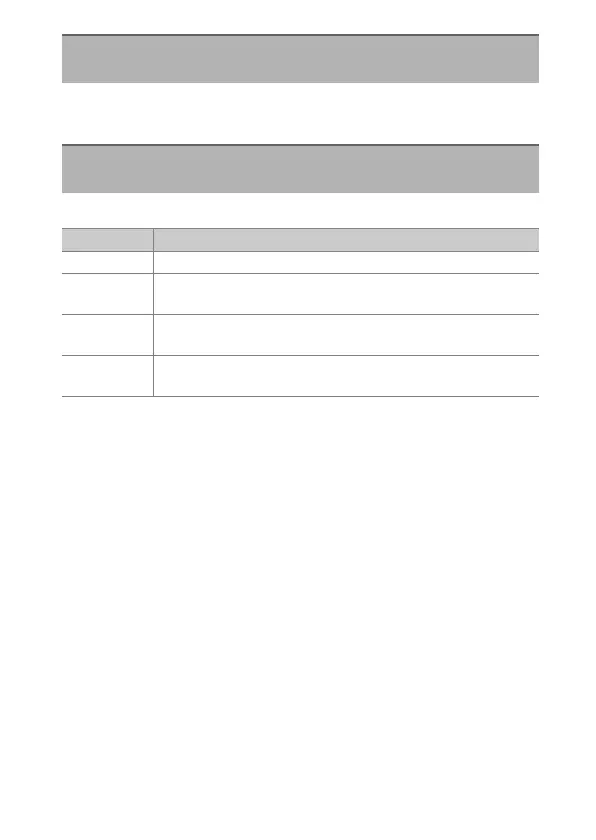
d13: Release Timing Indicator
G
button
U
A
Custom Settings menu
Option Description
[Type A] The display goes dark when the shutter is released.
[Type B]
Borders appear at the top, bottom, and sides of the frame
when the shutter is released.
[Type C]
Borders appear at the sides of the frame when the shutter is
released.
[Off]
A release timing indicator is not displayed when the shutter
is released.



 To Next Page