124
Focus
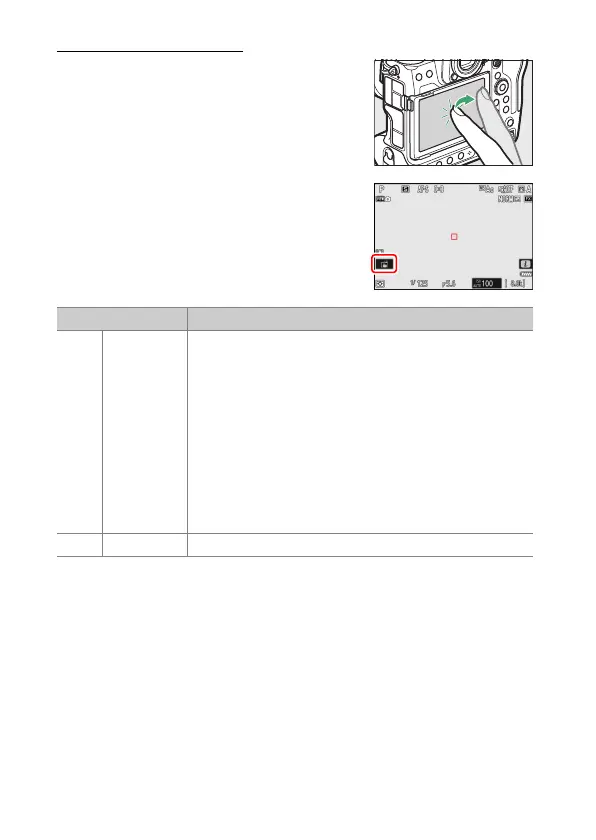
The Touch Shutter
Touch the display to focus on the selected
point. The shutter will be released when you
lift your finger from the display.
Tap the icon shown in the illustration to
choose the operation performed by tapping
the display.
Option Description
W
[Touch
shutter/
touch AF]
•
Touch the display to focus on the selected point and
lift your finger to release the shutter.
•
When choosing an eye using touch controls, note
that the camera may not focus on the eye on the
side you intend. Use the multi selector to choose the
desired eye.
•
If [Auto-area AF] is selected for AF-area mode, the
camera will focus on the chosen point, release the
shutter, and track the selected subject. Press
J
to
end subject tracking.
•
Available only in photo mode.
X
[Off] Touch shutter disabled.



 To Next Page