402
Synchronized Release
Configuring and Using Synchronized Release
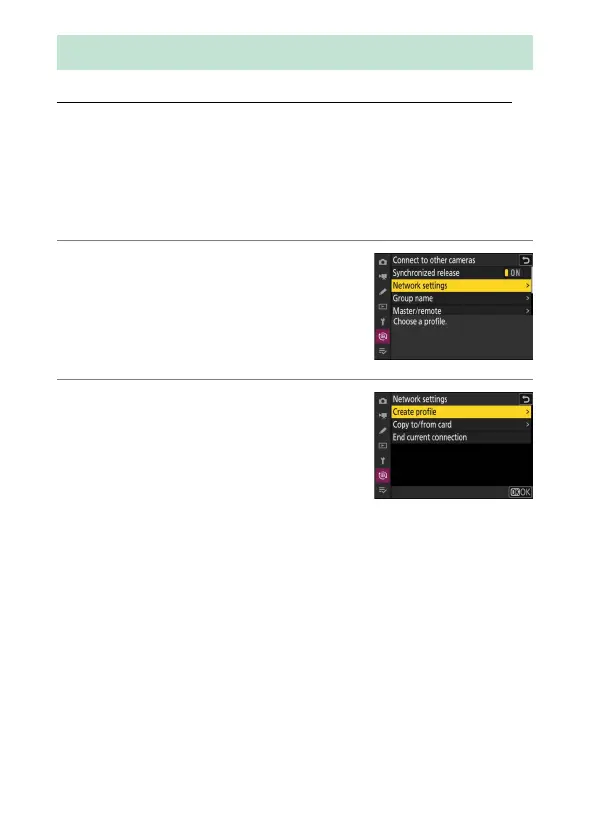
Follow the steps below to create host profiles for synchronized release.
Each camera saves the pictures it takes to its own memory card. Repeat
the process to create identical profiles for each camera.
❚❚
Wireless LAN
To create host profiles when connecting via wireless LAN:
1
Select [Connect to other cameras] in the
network menu, then highlight [Network
settings] and press
2
.
2
Highlight [Create profile] and press
J
.
Synchronized Release



 To Next Page