105
Image Recording Options (Image Area, Quality, and Size)
Adjusting Image Quality
Choose the image quality option used when photographs are recorded.
❚❚
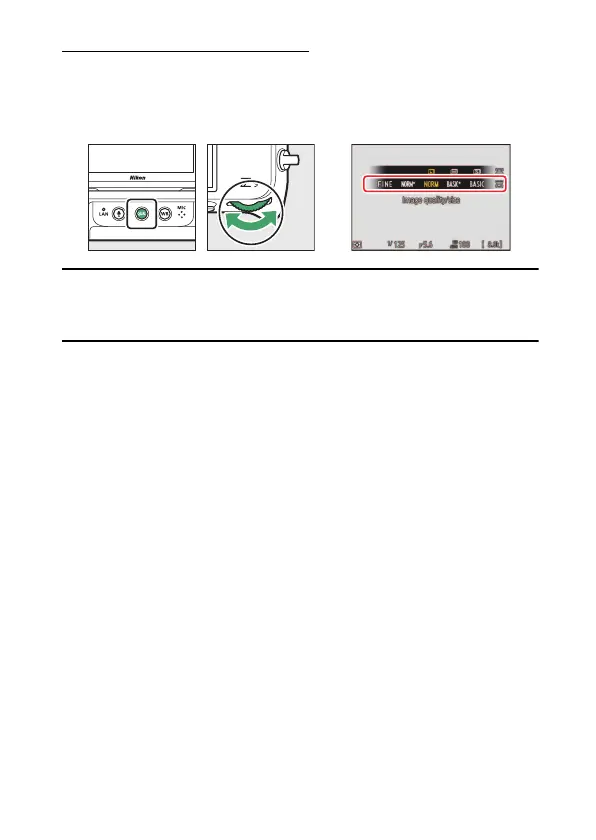
Choosing an Image Quality Option
Hold the
T
button and rotate the main command dial.
A
The Photo Shooting Menu [Image Quality] Option
Image quality can also be adjusted using the [Image quality] item in the
photo shooting menu.



 To Next Page