209
Two-Button Reset
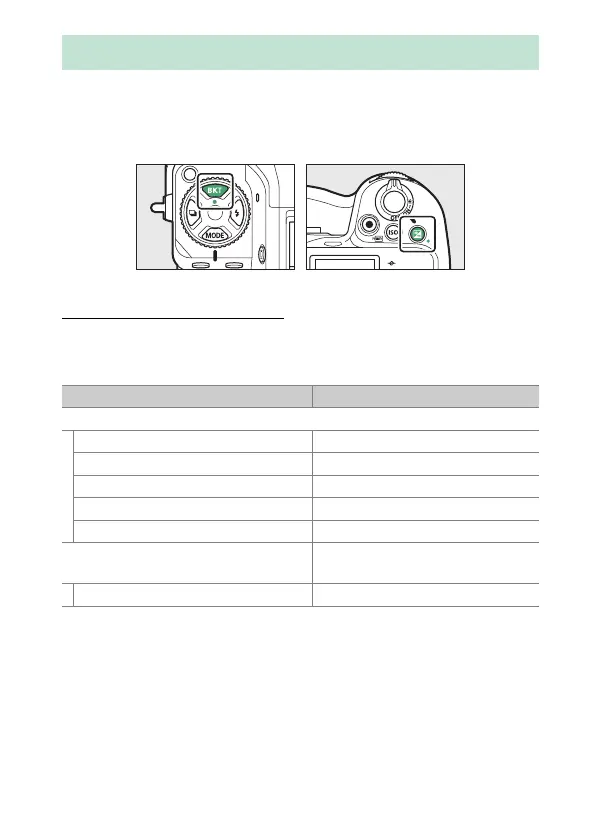
The camera settings listed below can be restored to default values by
pressing the two buttons marked with green
I
dots (BKT and
E
) at the
same time and holding them for over two seconds (the shooting display
and control panel turn off briefly while settings are reset).
Photo Shooting Menu
With the exceptions of multiple exposure, interval timer, time-lapse
video, and focus shift, only settings in the current shooting menu bank
are affected.
Two-Button Reset
Option Default
ISO sensitivity settings
ISO sensitivity 100
Auto ISO sensitivity control ON
Maximum sensitivity 25600
Maximum sensitivity with
c
Same as without flash
Minimum shutter speed Auto
White balance
AUTO > Keep white (reduce warm
colors)
Fine-tune A-B: 0, G-M: 0



 To Next Page