113
Focus
AF-Area Mode
Choose how the camera selects the focus point for autofocus.
•
In modes other than [Auto-area AF], the focus point can be
positioned using the sub-selector (
0
123) or multi selector.
❚❚
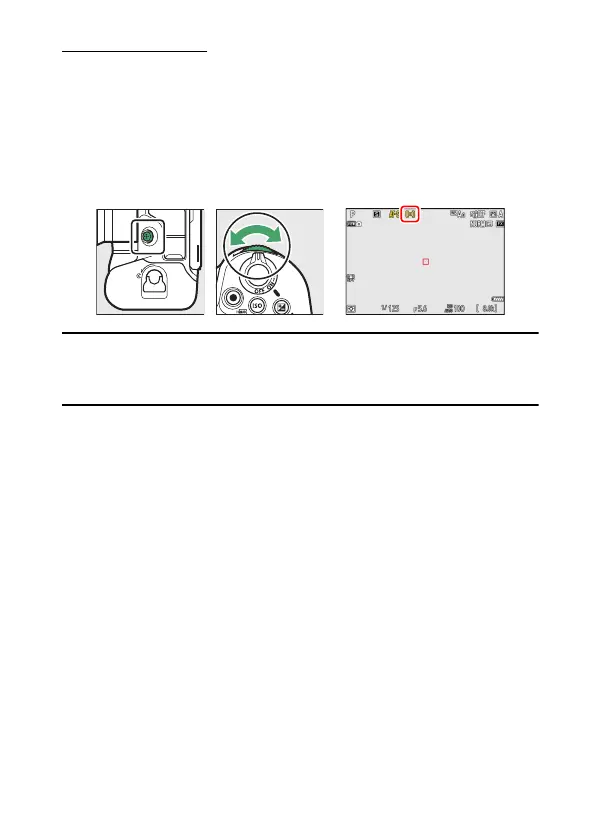
Choosing an AF-Area Mode
To choose the AF-area mode, hold the focus-mode button and rotate
the sub-command dial.
A
[AF-Area Mode]
The AF-area mode can also be selected using the [AF-area mode] items in
the photo shooting and video recording menus.



 To Next Page