719
B
The Setup Menu: Camera Setup
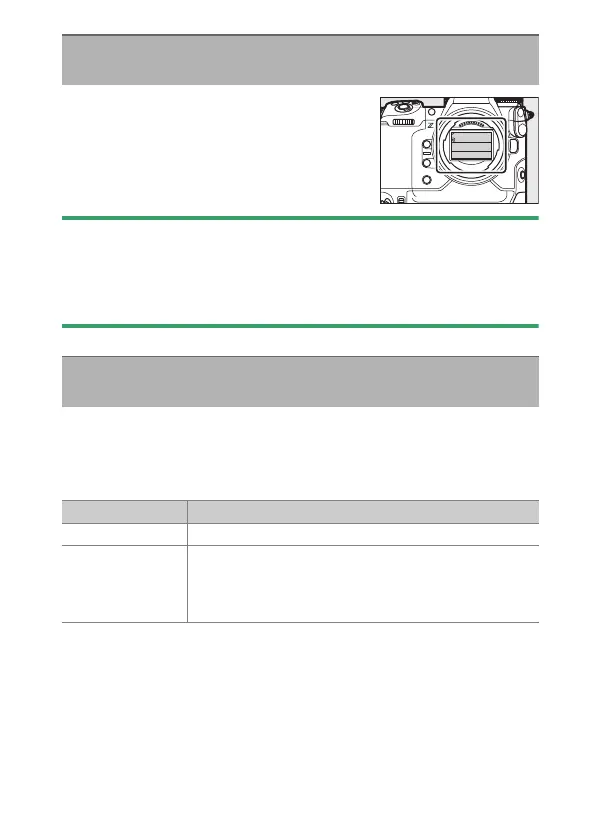
If [Sensor shield closes] is selected, the shield
in front of the image sensor will close when
the camera is turned off. This prevents dust or
other foreign matter collecting on the image
sensor when lenses are exchanged. It may
also, however, increase camera startup times.
D
Cautions: The Sensor Shield
•
The shield can be damaged by touching it when it is closed.
•
When exchanging lenses with the shield closed, be sure to insert the lens
perpendicular to the mount. If inserted at an angle, lenses could contact
the sensor shield and damage the shield or the image sensor.
Dirt or dust entering the camera when lenses are exchanged or the
body cap is removed may adhere to the image sensor and affect your
photographs. The “clean image sensor” option vibrates the sensor to
remove dust.
Sensor Shield Behavior at Power Off
G
button
U
B
setup menu
Clean Image Sensor
G
button
U
B
setup menu
Option Description
[Start] Perform image sensor cleaning immediately.
[Automatic
cleaning]
•
[Clean at shutdown]: The image sensor is
automatically cleaned during shutdown each time
the camera is turned off.
•
[Cleaning off]: Automatic image sensor cleaning off.



 To Next Page