192
Picture Controls
About Picture Controls
Choose image processing (“Picture Control”) options for new photos
according to the scene or your creative intent.
❚❚
Choosing a Picture Control
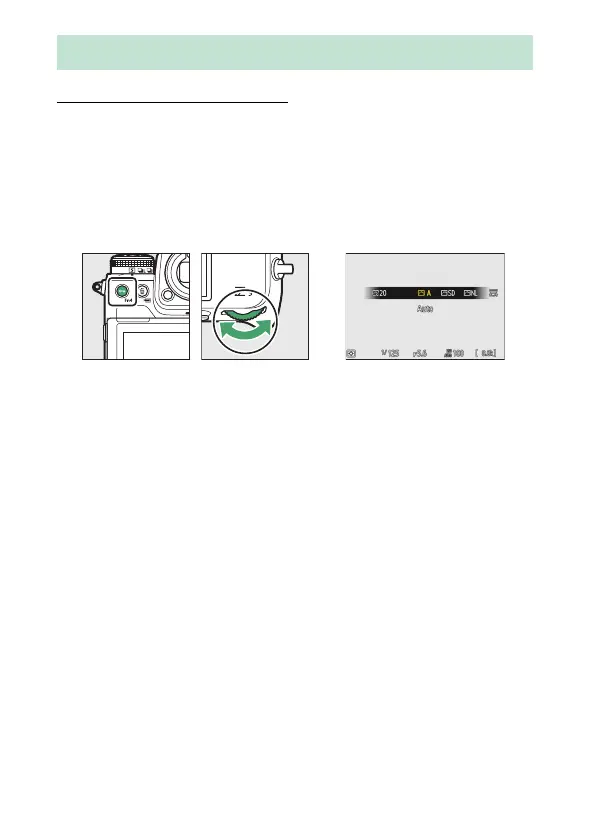
At default settings, Picture Controls can be selected by holding the
g
(Fn4) button and rotating the main command dial. The selected
option is shown by an icon in the shooting display.
•
When a Creative Picture Control is selected, the effect level can be
chosen by holding the
g
(Fn4) button and rotating the sub-
command dial.
•
The Picture Control for videos can be selected by pressing the
g
(Fn4) button in video mode.
Picture Controls



 To Next Page