321
Making the Connection
Connecting to Computers or
FTP Servers
The camera can be connected to a computer or FTP server using any of
the methods below.
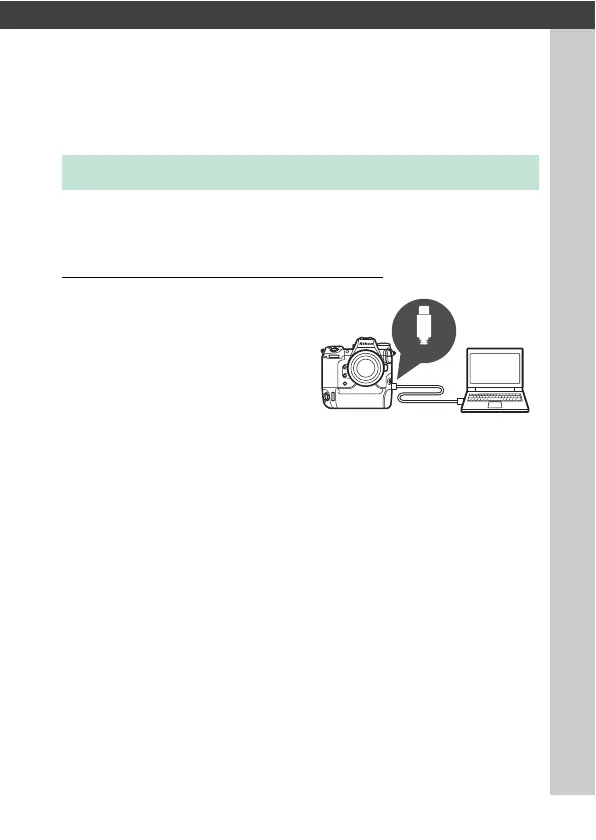
Computers: Connecting via USB
Connect the camera and computer
via USB and use NX Studio to
upload pictures to the computer
(
0
323).
•
The camera can be controlled
remotely from the computer
using optional Camera Control
Pro 2 software.
Making the Connection
Type
-
C



 To Next Page