423
Using an On-Camera Flash
1
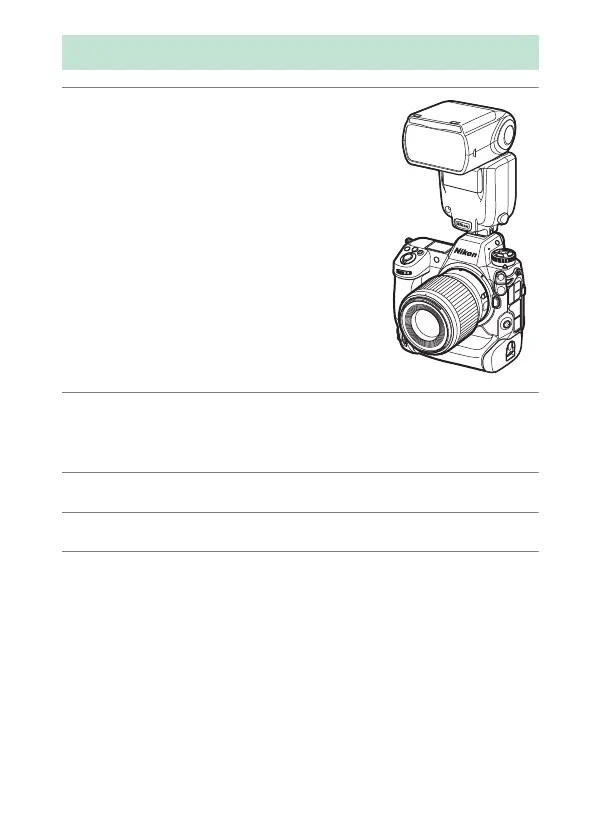
Mount a flash unit on the camera
accessory shoe.
See the documentation supplied with
each Speedlight for information on
mounting the unit on the camera.
2
Turn on the camera and flash unit.
The flash will begin charging; the flash-ready indicator (
c
) will
appear in the shooting display when charging is complete.
3
Choose the flash control mode (
0
426) and flash mode (
0
429).
4
Adjust shutter speed and aperture.
5
Take pictures.
Using an On-Camera Flash



 To Next Page