141
Exposure
Autoexposure Lock
Use autoexposure lock to recompose photographs after setting
exposure for a specific area of the subject. Exposure lock comes in
handy when the area used to set exposure is much brighter or darker
than its surroundings.
1
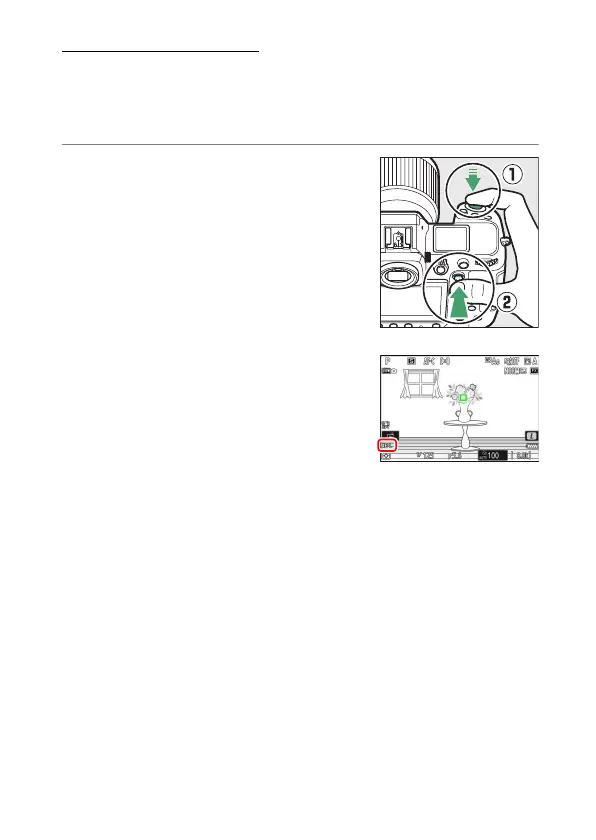
With the subject positioned in the
selected focus point and the shutter-
release button pressed halfway, press
the center of the sub-selector to lock
exposure.
•
While the center of the sub-selector is
pressed, exposure will lock at the value
metered in an area of the subject
determined by the selected metering
option.
•
An AE-L icon will appear in the
shooting display.
•
If autofocus is enabled, focus will also
lock.



 To Next Page