102
Image Recording Options (Image Area, Quality, and Size)
Shooting Settings
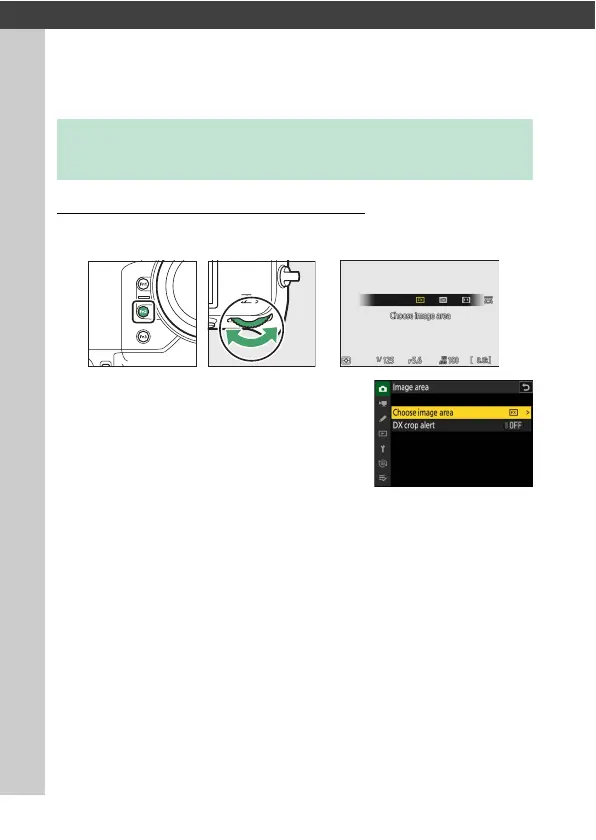
Adjusting Image Area Settings
At default settings, image area can be selected by holding the Fn2
button and rotating a command dial.
•
Image area settings can be displayed by
selecting [Image area] in the photo
shooting menu.
Image Recording Options (Image Area,
Quality, and Size)



 To Next Page