299
Playing Voice Memos
Deleting Voice Memos
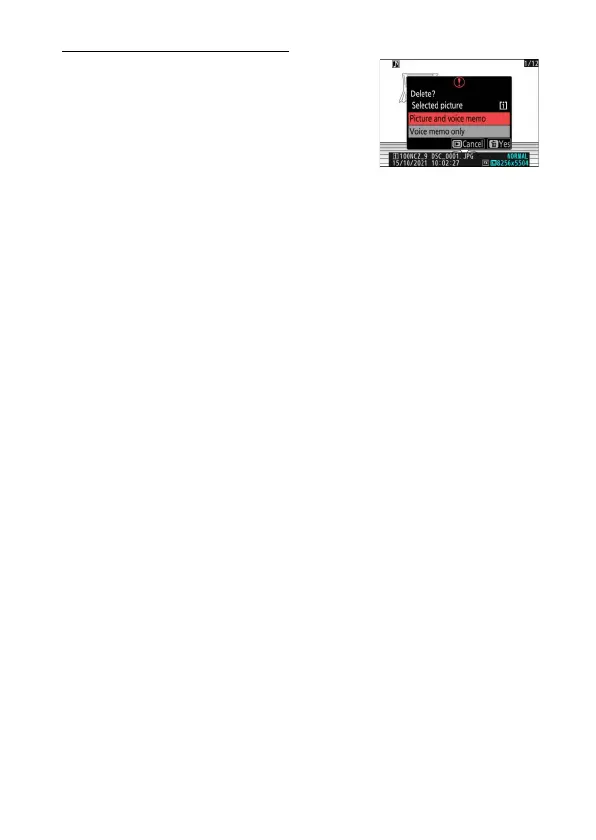
To delete the voice memo from the current
photo, press the
O
(
Q
) button; a
confirmation dialog will be displayed as
shown.
•
To delete both the photo and the voice
memo, highlight [Picture and voice memo]
and press
O
(
Q
).
•
To delete only the voice memo, highlight [Voice memo only] and
press
O
(
Q
).
•
To exit without deleting either the photo or the voice memo, press
D
.
•
With dual-format pictures, you may opt to delete the voice memo only
from the picture on the card in the current slot by choosing [Selected
picture] in the confirmation dialog and then selecting [Voice memo
only].



 To Next Page