285
Creating Retouched Copies
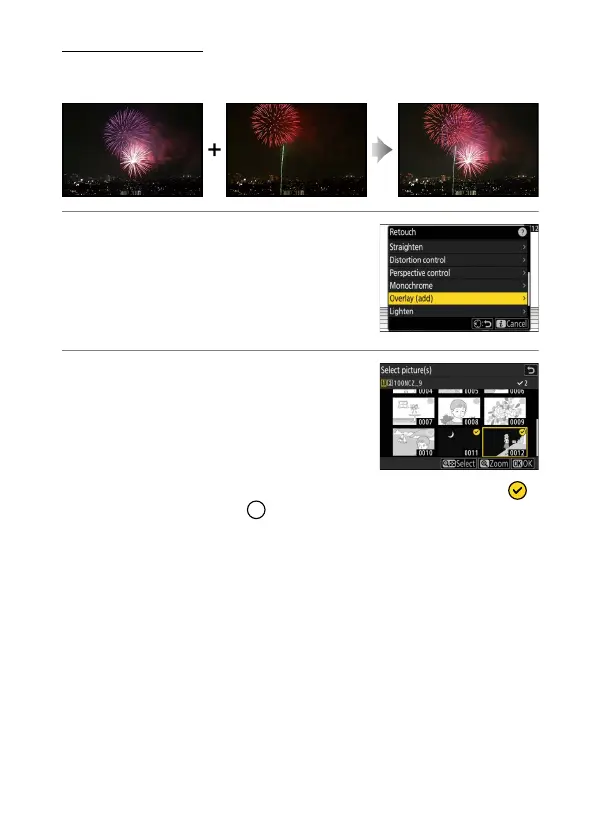
Overlay (Add)
Combine two existing photographs to create a single picture that is
saved separately from the originals.
1
Select [Retouch] in the
i
menu, then
highlight [Overlay (add)] and press
2
.
2
Select the pictures.
•
Highlight pictures using the multi
selector.
•
To view the highlighted picture full
screen, press and hold the
X
button.
•
To select the highlighted picture, press
the
W
(
Q
) button. Selected pictures are marked with a check ( ).
To remove the check ( ) and deselect the current picture, press
the
W
(
Q
) button again.
•
Pictures with different image areas cannot be selected.
•
Press
J
to proceed once the second picture is selected.



 To Next Page